Offline mode
Works with no signal, on the mobile app
Some of your best test routes have the worst signal. Keep viewing your diary and add a lesson, a pupil or a payment with zero bars — the moment your phone reconnects, everything sends itself.
No credit card required · subscribe whenever you're ready for a 14-day free trial, then £9.99/month · cancel anytime
Part of Driving instructor app and Driving instructor diary and Driving instructor software
A dead zone should not cost you a lesson record
Instructors teach from wherever the pupil needs to practise, not from a desk with reliable wifi. Lesson Diary's mobile app keeps working with no connection at all, then quietly catches up once you're back in coverage — nothing to remember, nothing lost. It is one of the features of the driving instructor app.
Works with zero signal
View your diary and add a lesson, a new pupil or a payment record even with no bars at all.
Syncs itself
The moment your phone finds signal again, everything queued sends in the background. No button to press.
True timestamps
Every entry keeps the time you actually made it, not the time it happened to sync.
Watch offline mode in action
Add lessons, pupils and payments with no signal. Everything syncs when the phone reconnects.
Unable to play the video. Press Play to try again.
Teach anywhere. Sync when you're back.
Some of your best test routes have the worst signal. On the mobile app, you don't have to worry about it — keep viewing your diary, logging progress notes and recording payments with no bars at all. The moment your phone reconnects, everything sends itself. Nothing to remember, nothing lost.
- Add a lesson, a pupil or a payment record with zero signal
- Automatic sync the second you're back in coverage — no button to press
- Every entry keeps the time you actually made it, not the time it happened to sync
Jamie A. — 9:00am
Roundabouts, independent driving
Payment — £32 cash
Marked paid at 9:52am
How offline support compares
Not every driving instructor app keeps working with no signal. Lesson Diary does — check your diary, log a lesson, a pupil or a payment, and it all syncs once you reconnect.
See the full comparisonCommon questions
- What exactly works offline?
- On the mobile app: viewing your diary, adding a new lesson, adding a new pupil, and recording a payment. All of it works with no connection.
- Do I need to press a "sync" button?
- No. The app checks for a connection automatically and sends anything queued the moment it finds one — nothing for you to remember.
- Will a lesson show the wrong time if I add it offline?
- No. Every entry keeps the time you actually made it on your phone, not the time it later syncs to the server.
More of Lesson Diary
Watch a short demo of each feature, or see all features.
 Watch
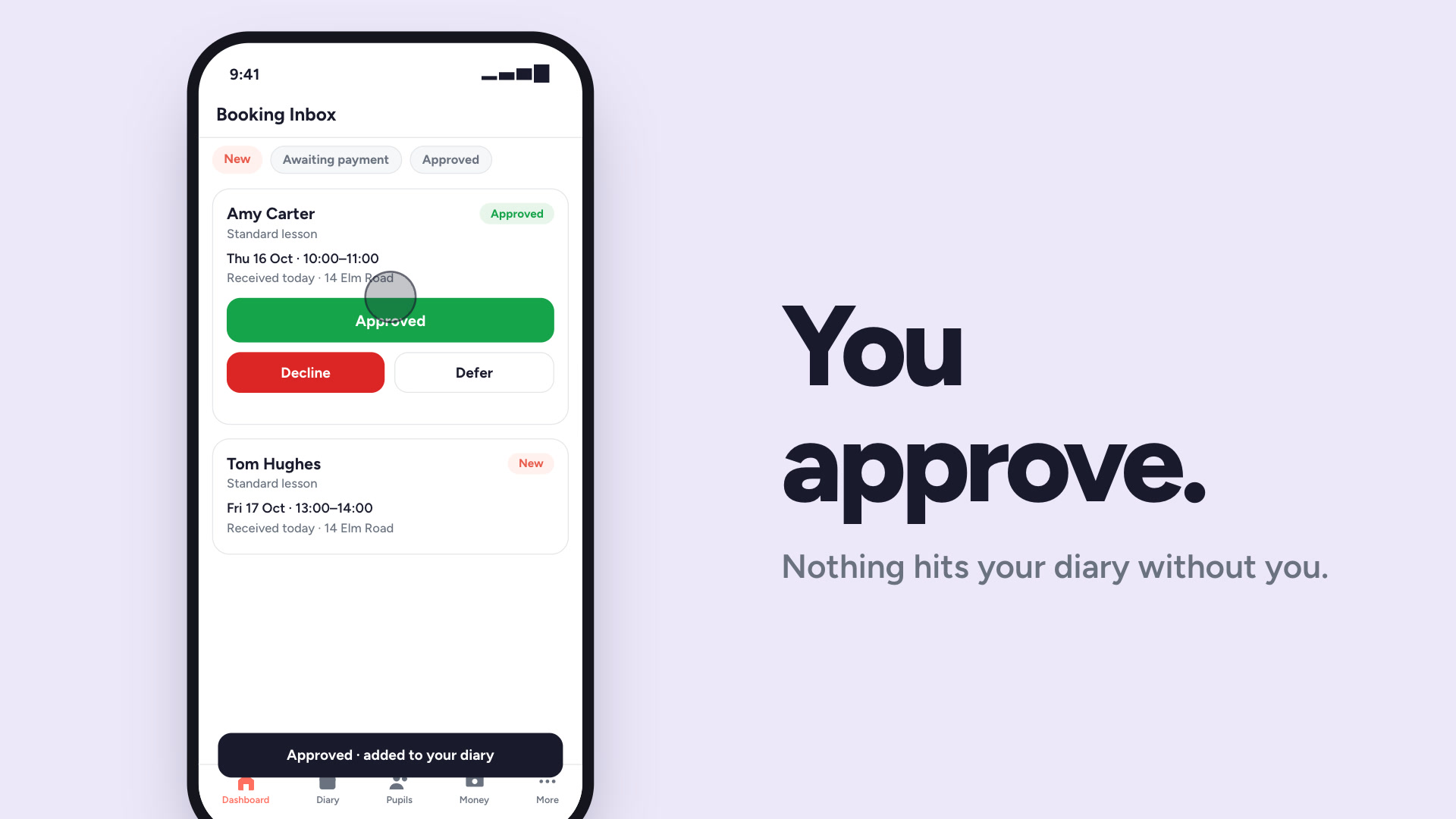
Online booking
A booking link and QR code your pupils use themselves.
Watch
Online booking
A booking link and QR code your pupils use themselves.
 Watch
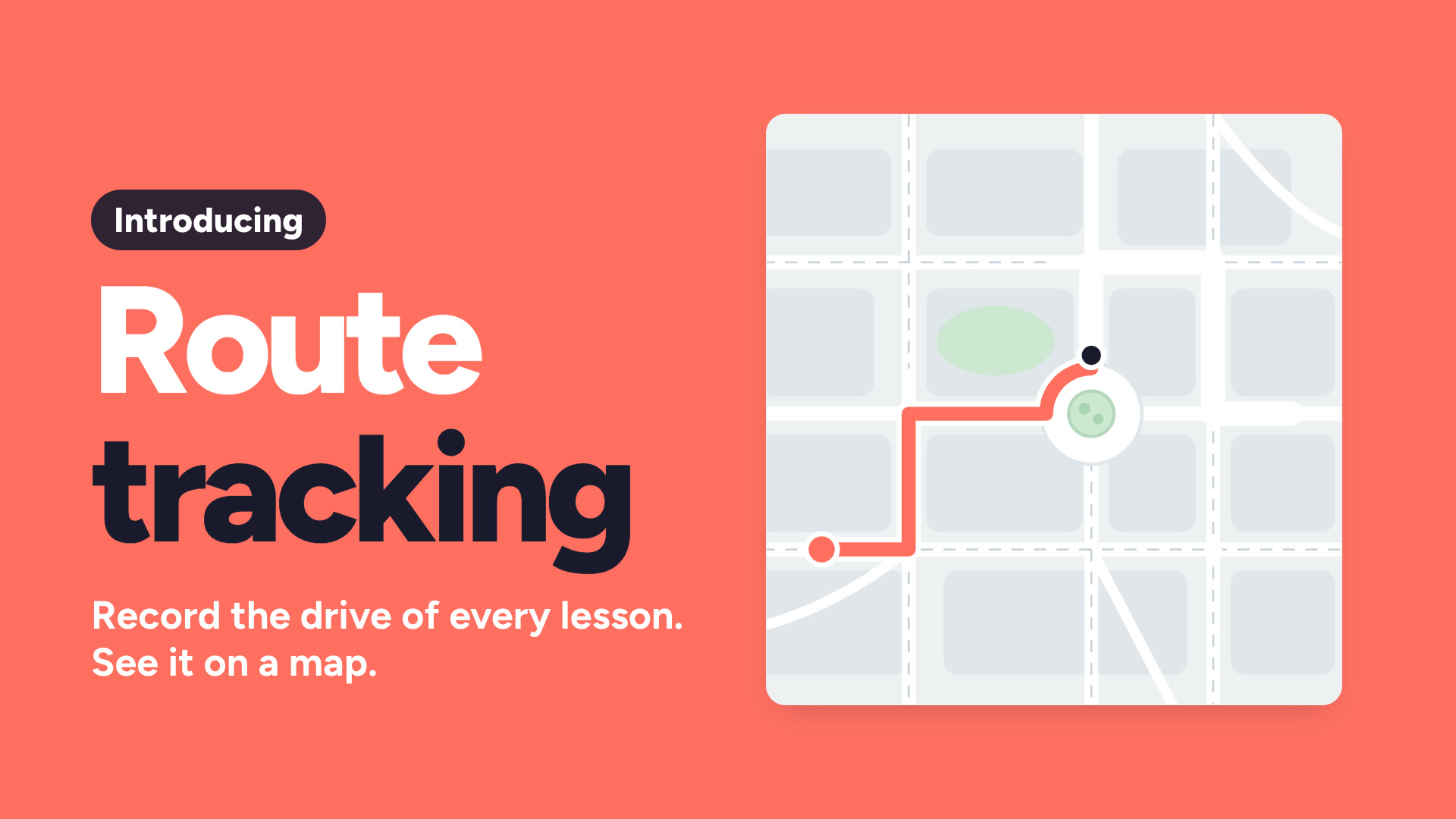
Route tracking
Record the drive for each lesson and show the pupil the map.
Watch
Route tracking
Record the drive for each lesson and show the pupil the map.
 Watch
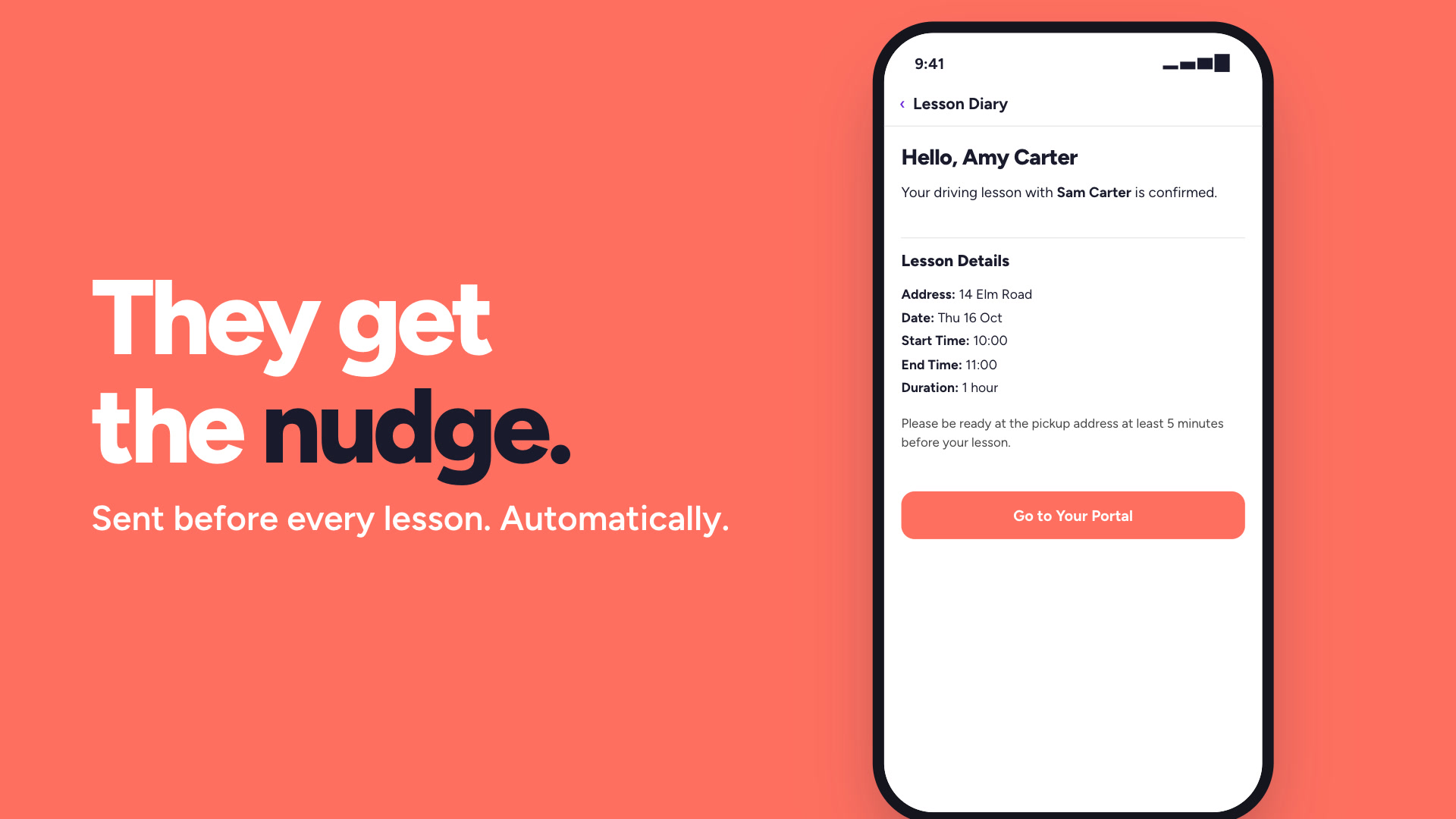
Lesson reminders
Automatic reminders before every lesson, so fewer pupils forget.
Watch
Lesson reminders
Automatic reminders before every lesson, so fewer pupils forget.
 Watch
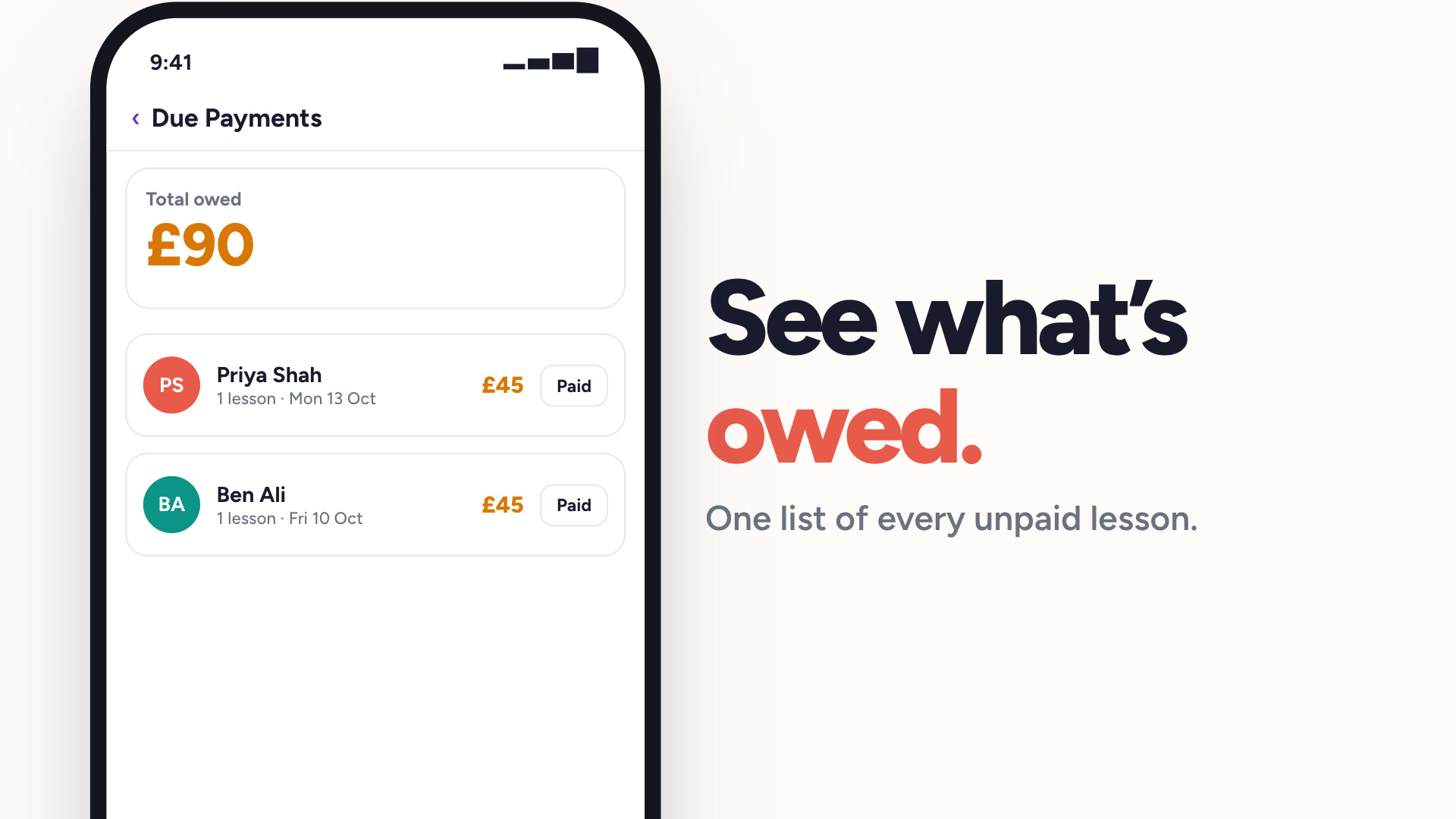
Payment tracking
See who has paid and who owes you, without a spreadsheet.
Watch
Payment tracking
See who has paid and who owes you, without a spreadsheet.
 Watch
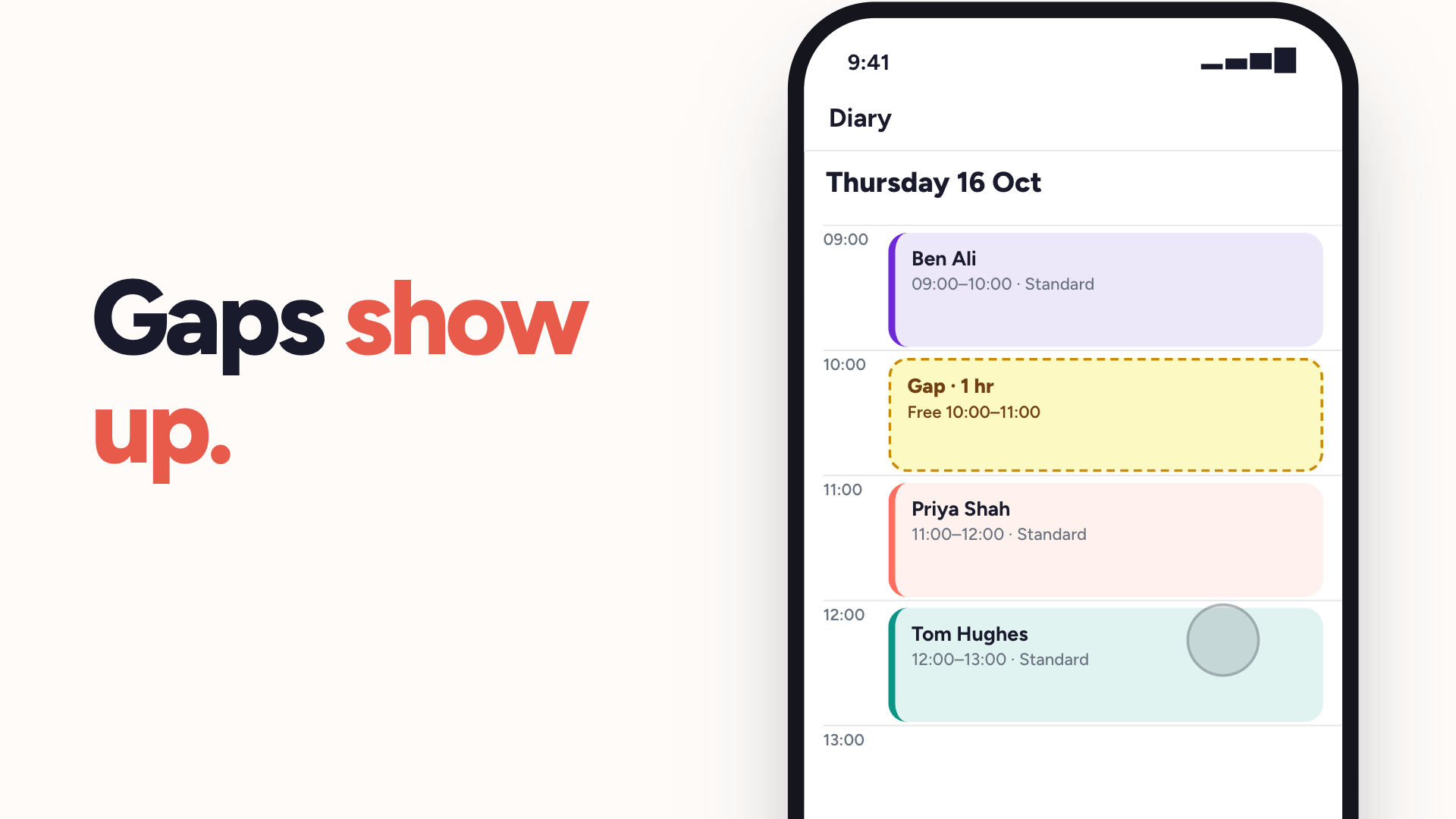
Lesson gap alerts
Spot the dead hour between two lessons before it costs you.
Watch
Lesson gap alerts
Spot the dead hour between two lessons before it costs you.
 Watch
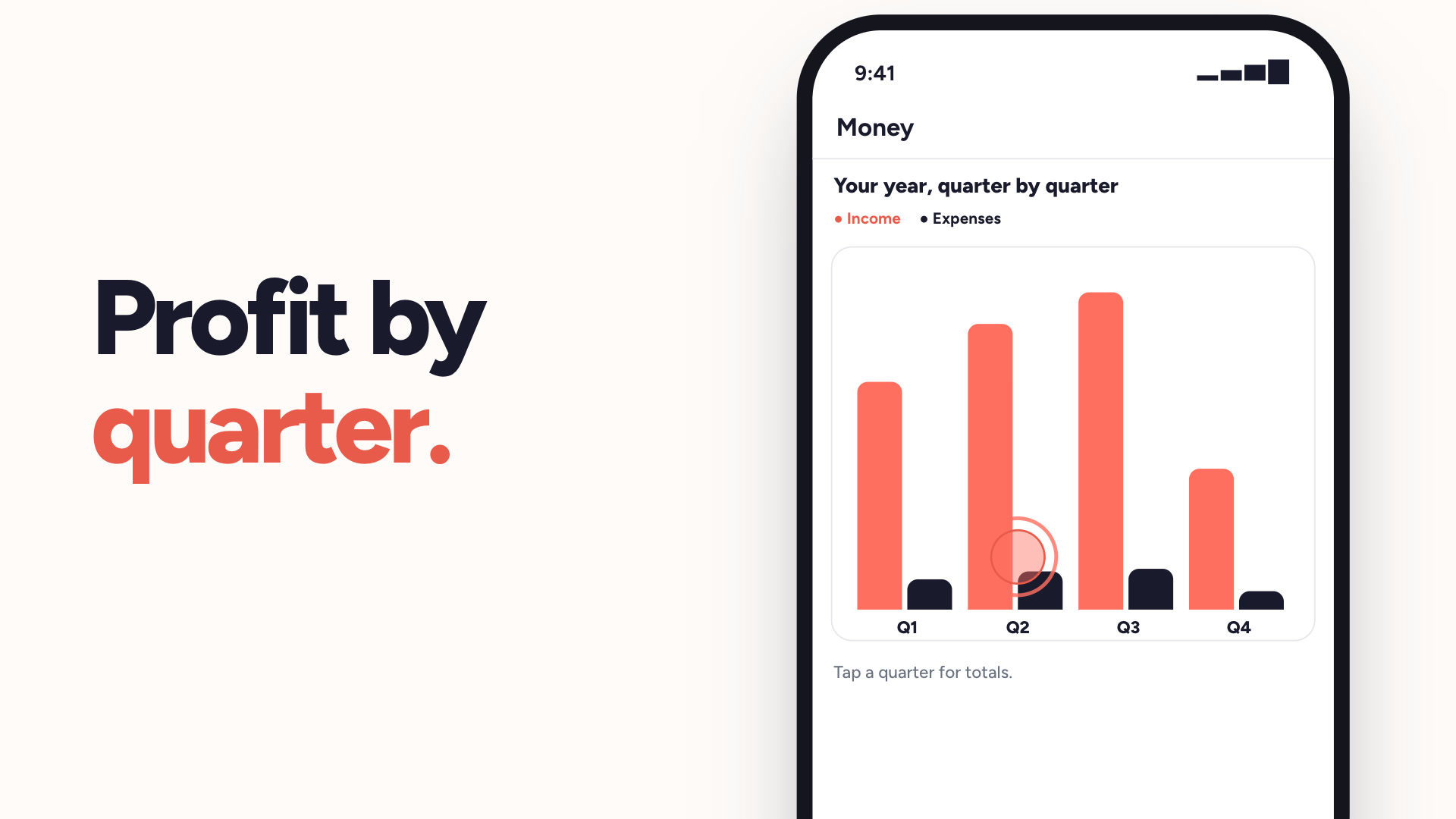
Money & tax
Income, expenses and profit — sorted for Making Tax Digital.
Watch
Money & tax
Income, expenses and profit — sorted for Making Tax Digital.
 Watch
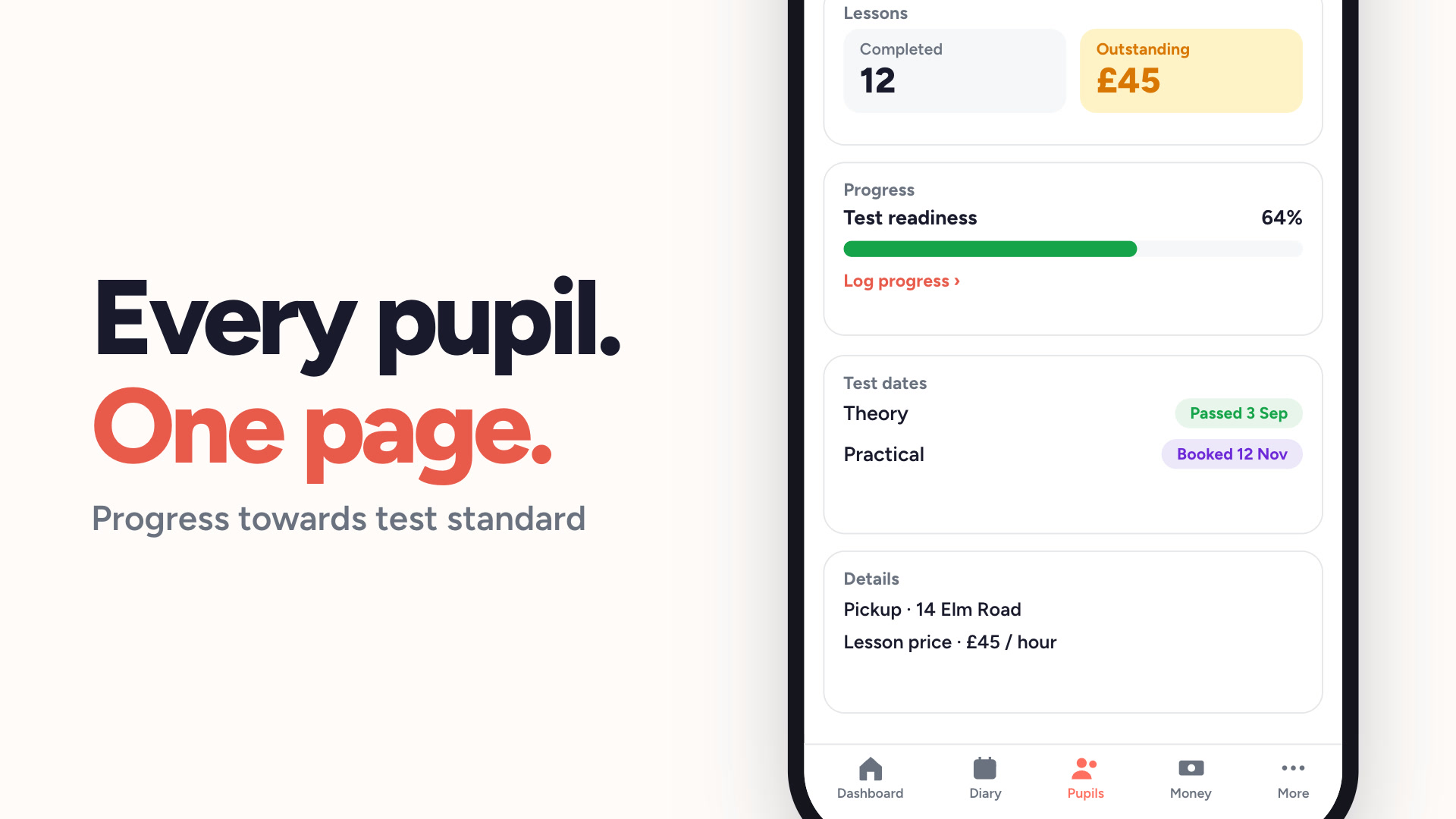
Pupil management
Every pupil, their lesson history and what they owe, in one list.
Watch
Pupil management
Every pupil, their lesson history and what they owe, in one list.
 Watch
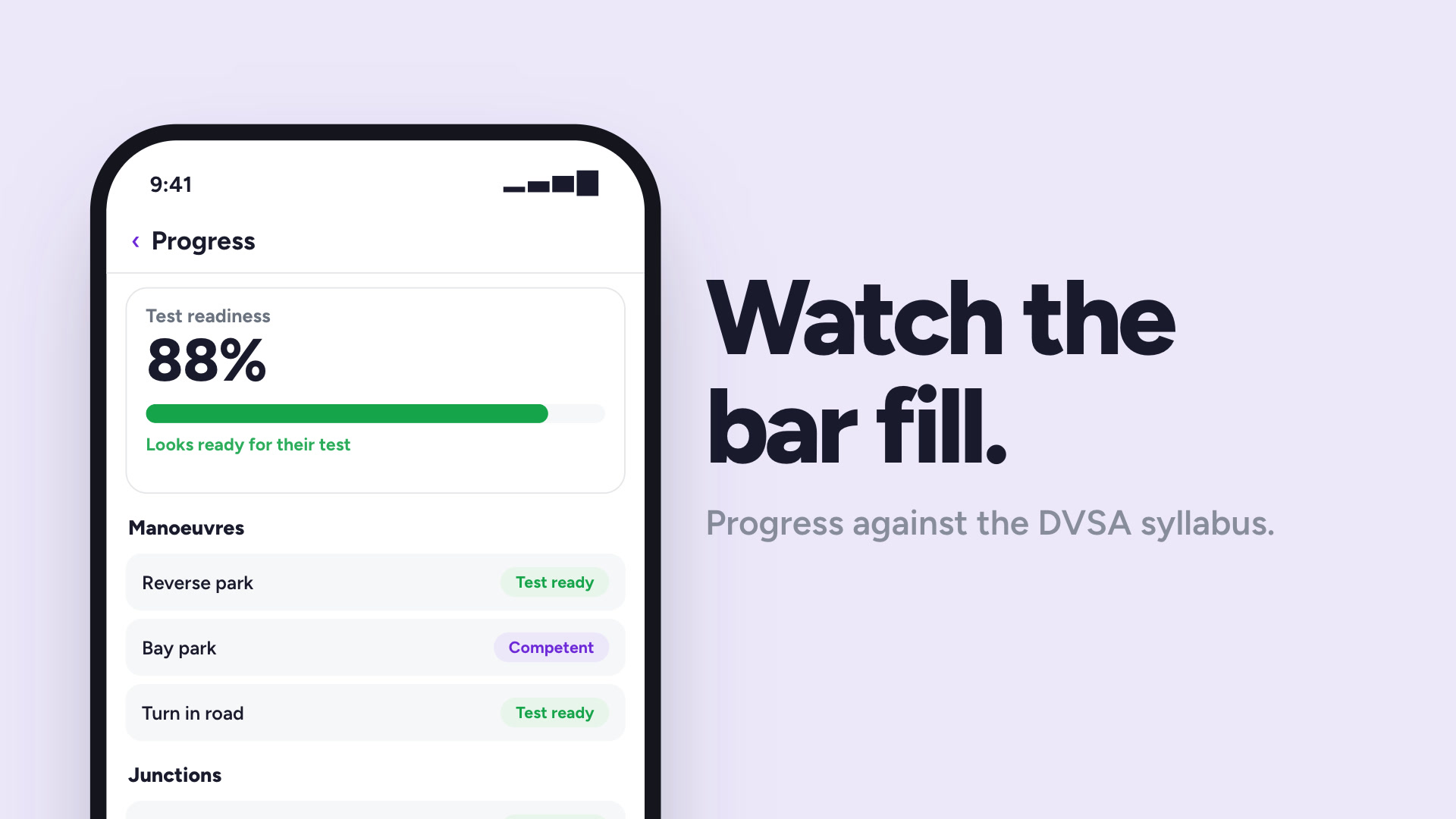
Pupil progress tracking
Track each pupil against the DVSA syllabus, lesson by lesson.
Watch
Pupil progress tracking
Track each pupil against the DVSA syllabus, lesson by lesson.
 Watch
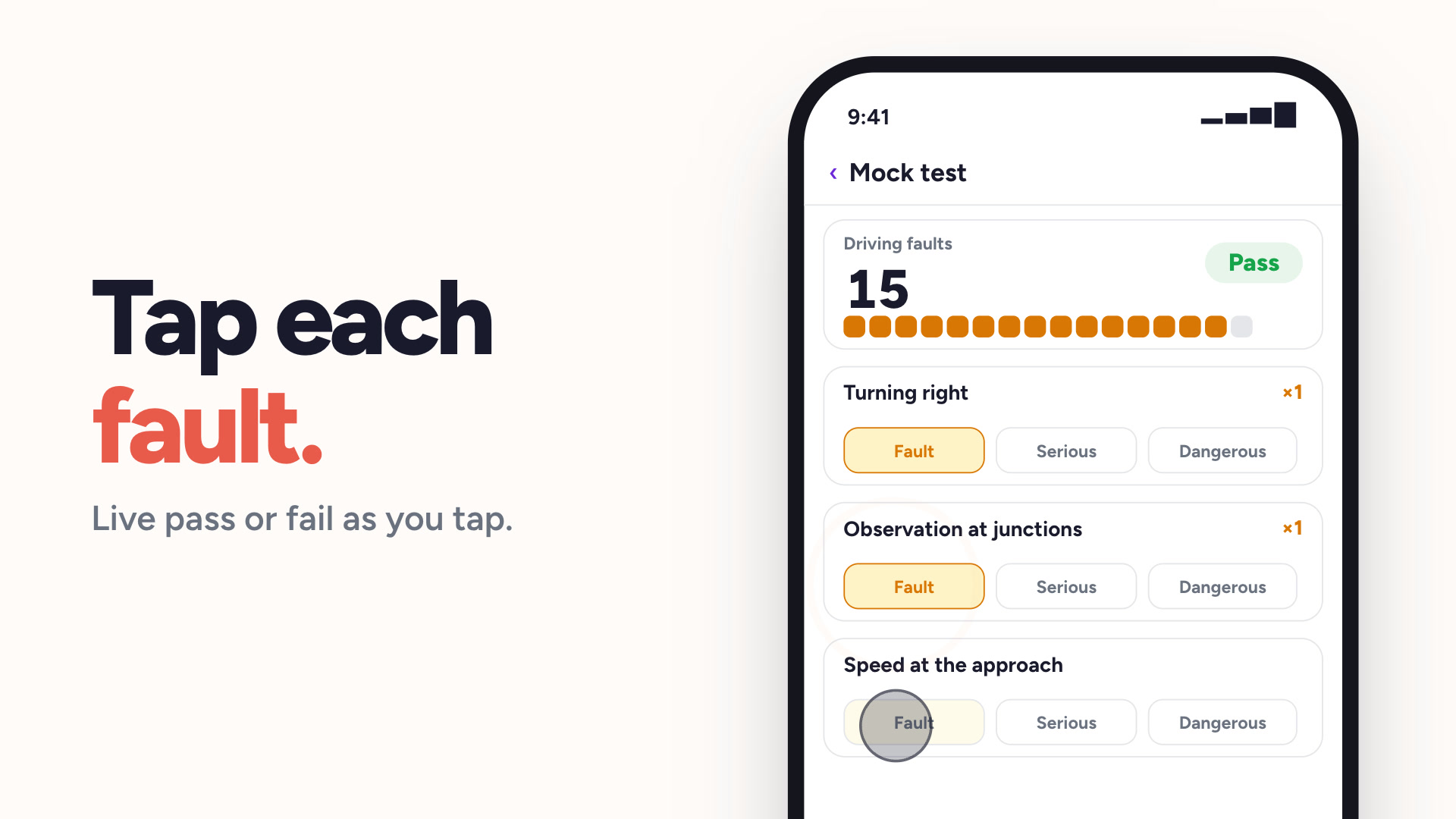
Mock tests
DL25-style mock tests, marked the way the DVSA marks them.
Watch
Mock tests
DL25-style mock tests, marked the way the DVSA marks them.
 Watch
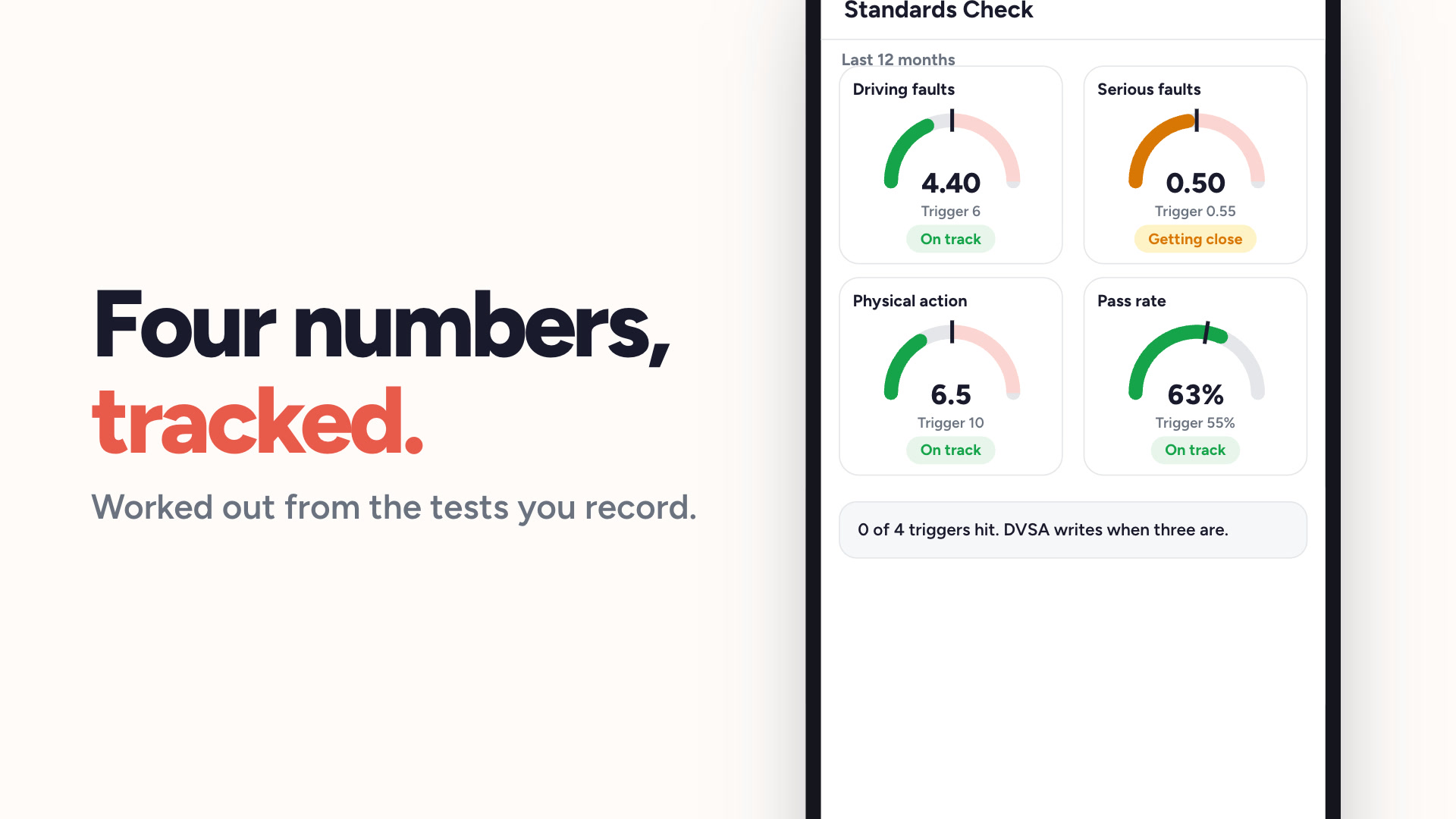
Standards check tracker
Know where you stand against the four DVSA triggers.
Watch
Standards check tracker
Know where you stand against the four DVSA triggers.
 Watch
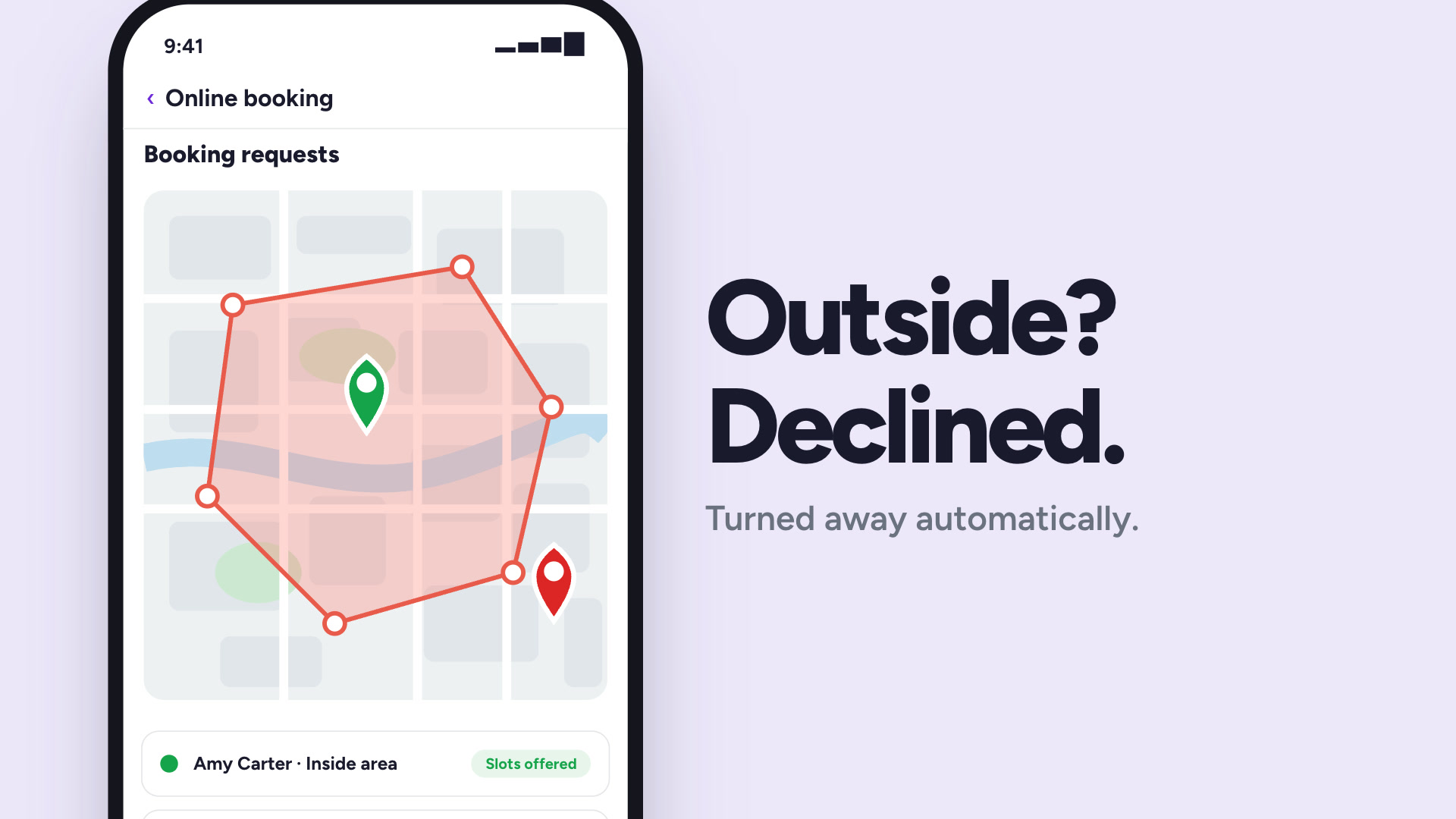
Coverage areas
Draw your area on a map. Outside it, pupils cannot book.
Watch
Coverage areas
Draw your area on a map. Outside it, pupils cannot book.
Ready to get your evenings back?
Get started free today — no credit card required, subscribe whenever you're ready.