Route tracking
A map of every lesson
Tap Start drive at pickup and End drive at drop-off. Lesson Diary records the route, works out the miles and the time, and keeps it with the lesson.
No credit card required · subscribe whenever you're ready for a 14-day free trial, then £9.99/month · cancel anytime
Part of Driving instructor app and Driving instructor diary and Driving school software and Driving instructor software and Driving instructor booking software and Driving instructor CRM and ADI diary and PDI diary and Try it free
The drive, saved with the lesson
Each lesson can carry its own route. Pin a note where a pupil hesitated, show them the map afterwards, and have the miles added to your mileage records if you switch that on.
Start and end with a tap
Start drive at pickup, End drive at drop-off. It keeps recording with your phone locked, and only between those two taps.
Notes on the map
Pin what went well and what to work on, and tag it with a DVSA skill.
Shared with your pupil
Each pupil sees the map, distance and time of their own lesson in their portal. Switch sharing off for every lesson or just one.
Works without signal
If the phone is offline when you end the drive, the route stays on the phone and finishes once you are back online.
Watch a drive from start to finish
Start a drive from the diary in one tap, with Undo. Follow the live map and add notes while paused. Then see the finished route with numbered pins, which your pupil can see too.
Unable to play the video. Press Play to try again.
How Lesson Diary compares
See how the diary, pupil records, payments and lesson routes fit together against other driving instructor software.
See the full comparisonCommon questions
- Does it track my location all day?
- No. It records only between Start drive and End drive. Nothing is recorded between lessons.
- What does my pupil see?
- The map, distance and time of their own lesson, and only while sharing is on. Your notes on the route stay with you.
- What if I have no signal?
- The route is kept on your phone. When you are back online, it finishes and appears on the lesson.
- Can it add my mileage for me?
- If you switch it on, each drive's miles are added to your Money records for your registered vehicle. It suits a car that qualifies for simplified mileage, not a dual-control car. Ask your accountant which method is right for you.
- Is it on the free plan?
- No. It is part of the paid subscription, in the iOS and Android app.
More of Lesson Diary
Watch a short demo of each feature, or see all features.
 Watch
Diary management
Your whole week on one screen: repeat lessons, working hours, clash flags and free slots.
 Watch
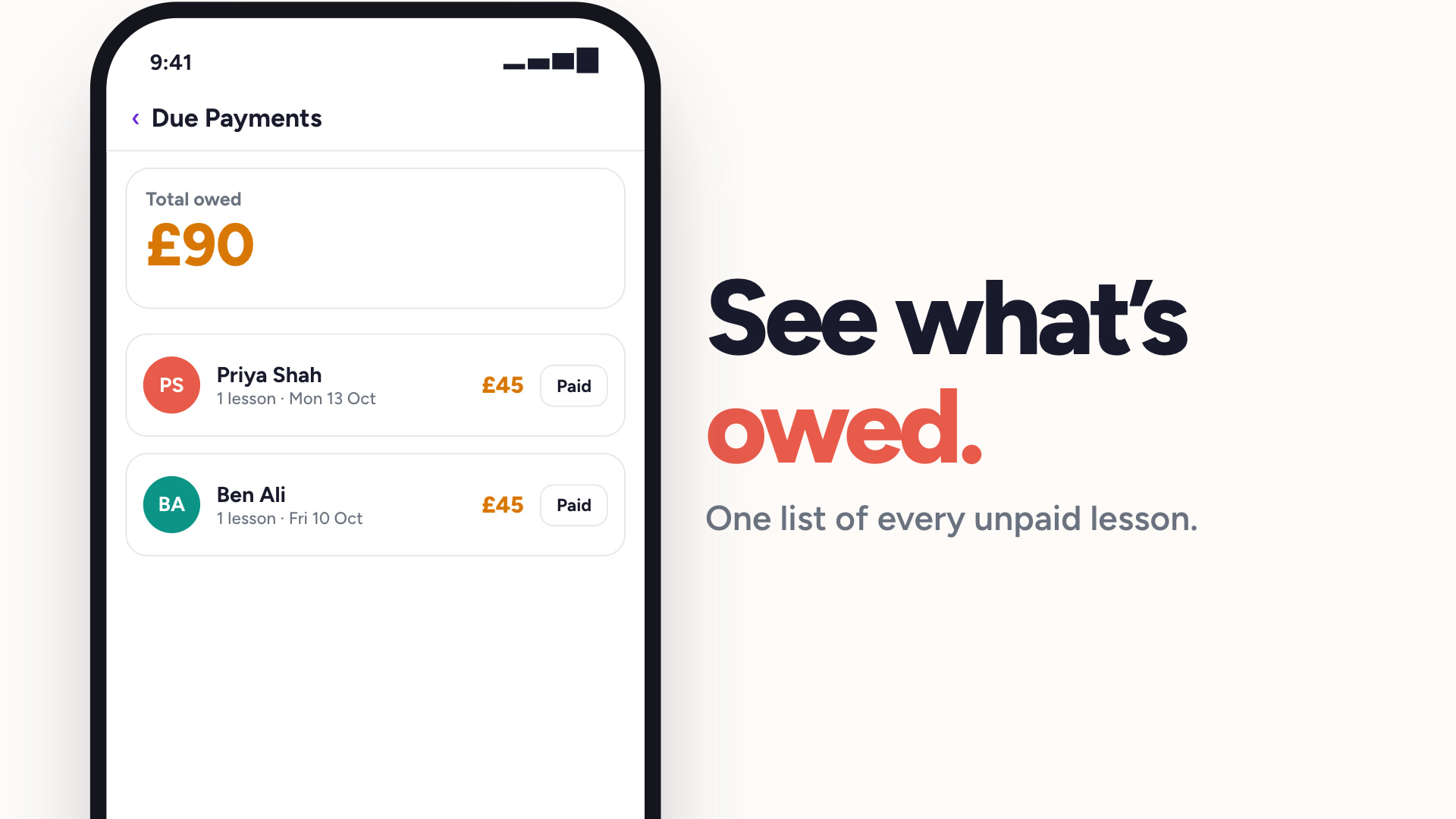
Payment tracking
See who has paid and who owes you, without a spreadsheet.
 Watch
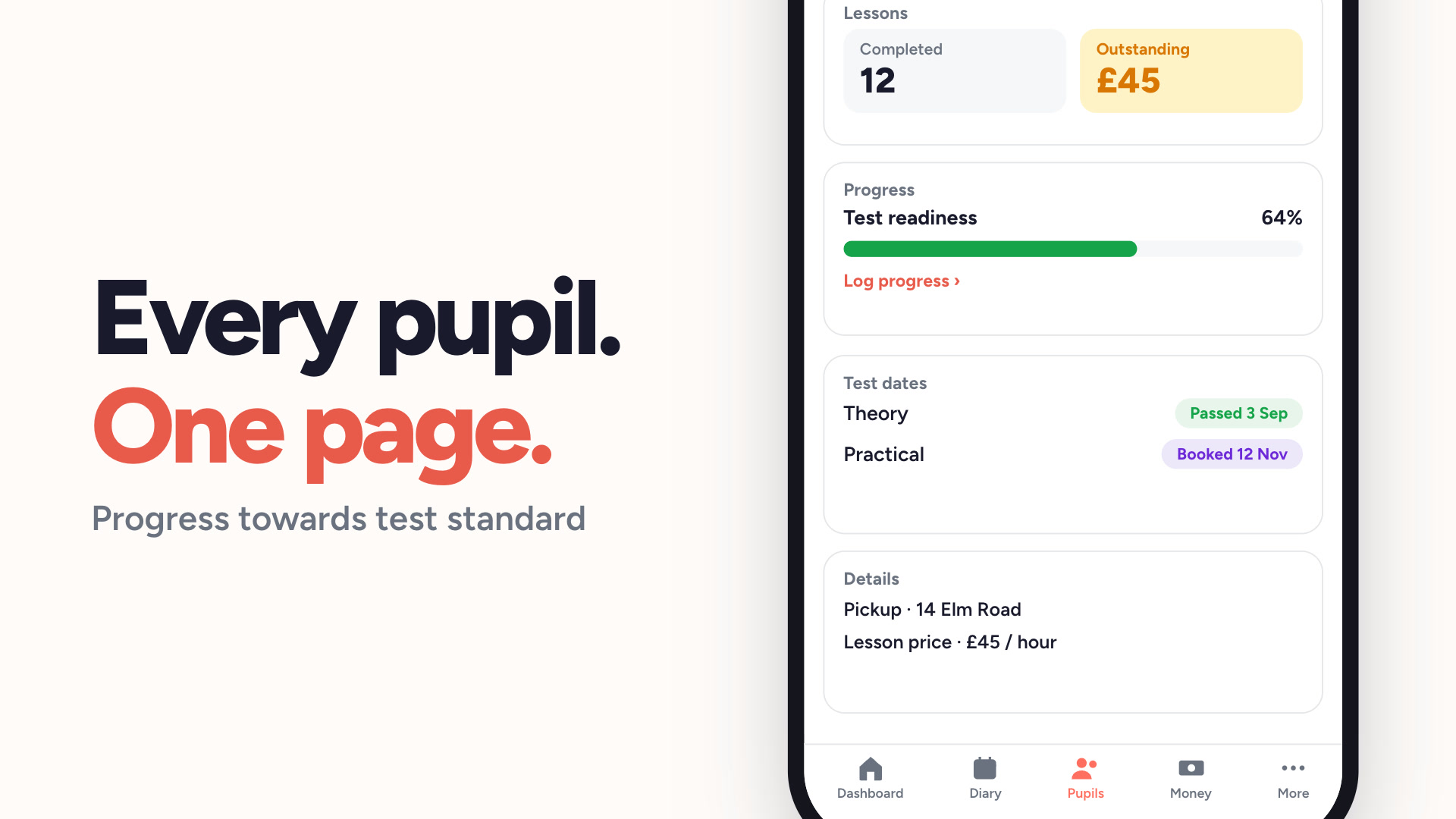
Pupil management
Every pupil, their lesson history and what they owe, in one list.
 Watch
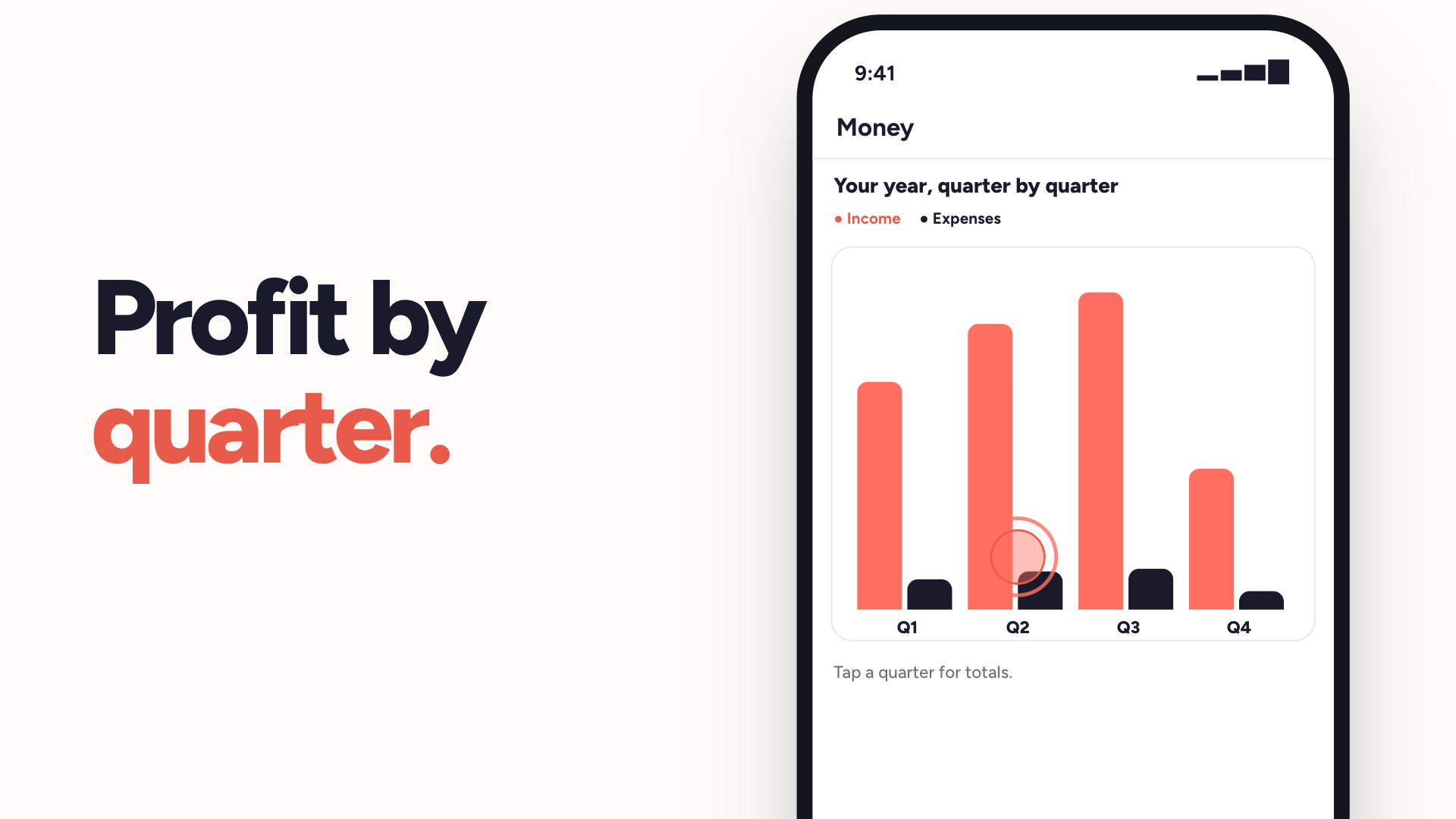
Money & tax
Income, expenses and profit — sorted for Making Tax Digital.
Multi-instructor school
Run a multi-car school: one enquiry inbox, every instructor with their own diary.
 Watch
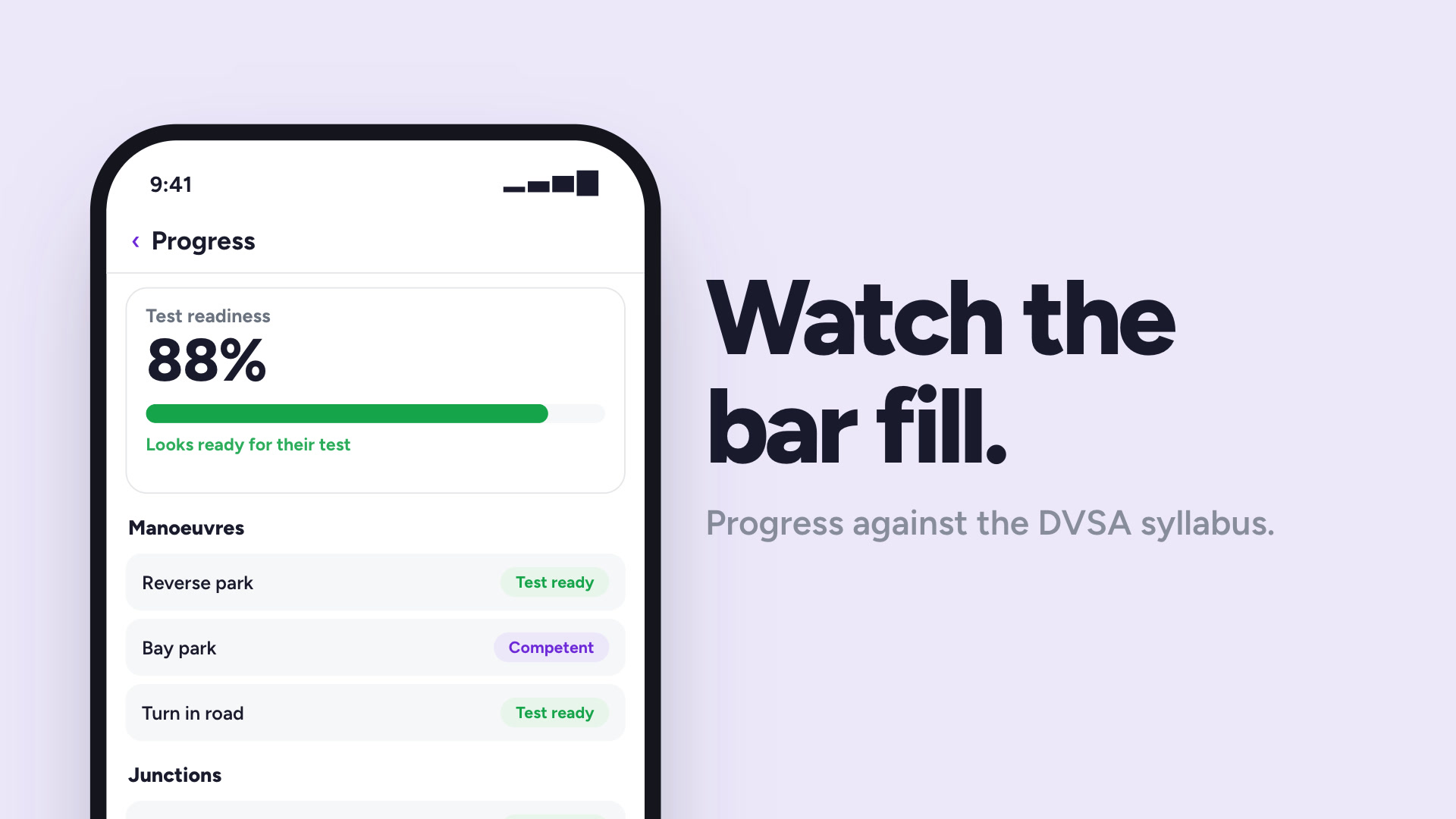
Pupil progress tracking
Track each pupil against the DVSA syllabus, lesson by lesson.
 Watch
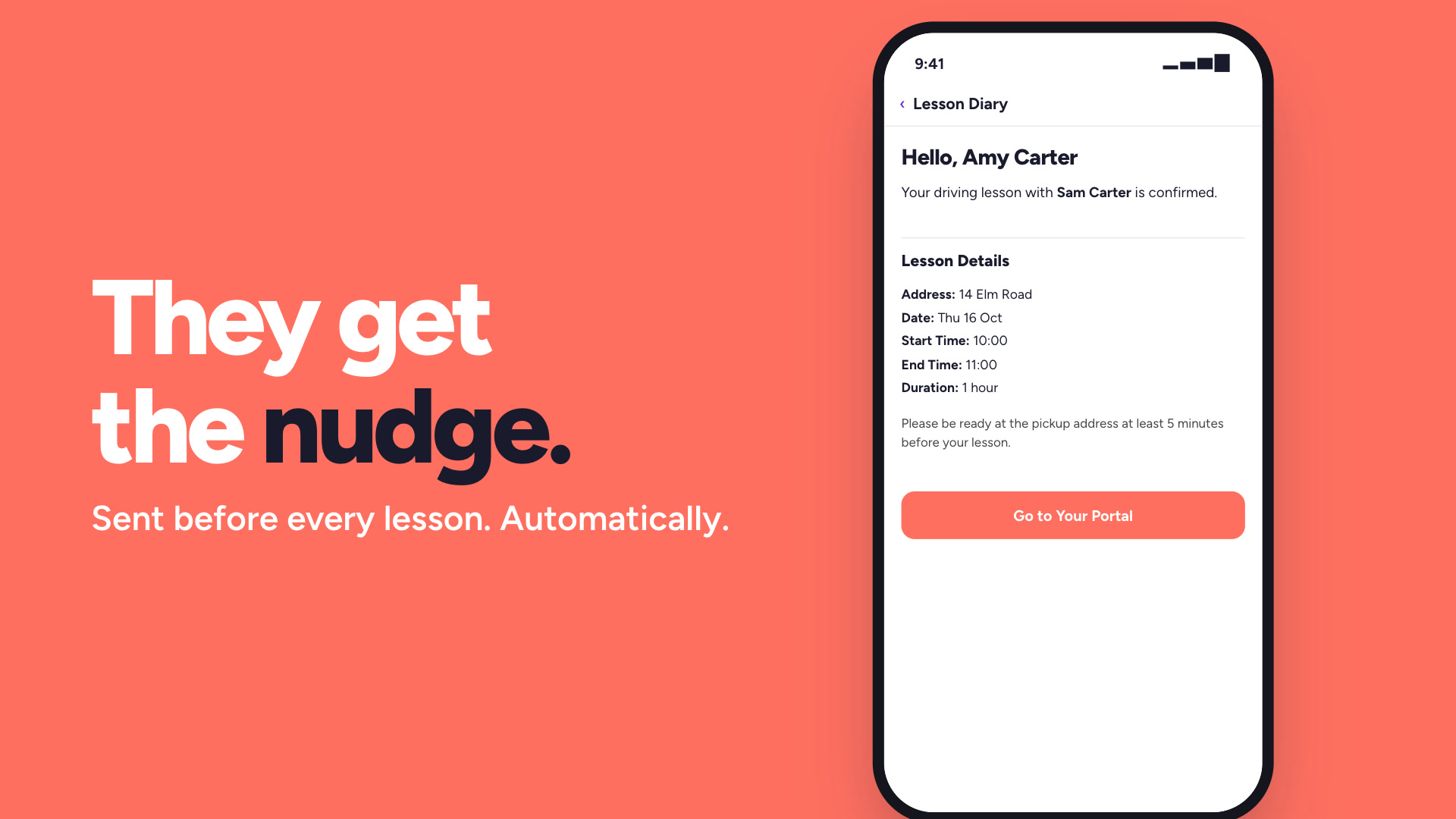
Lesson reminders
Automatic reminders before every lesson, so fewer pupils forget.
 Watch
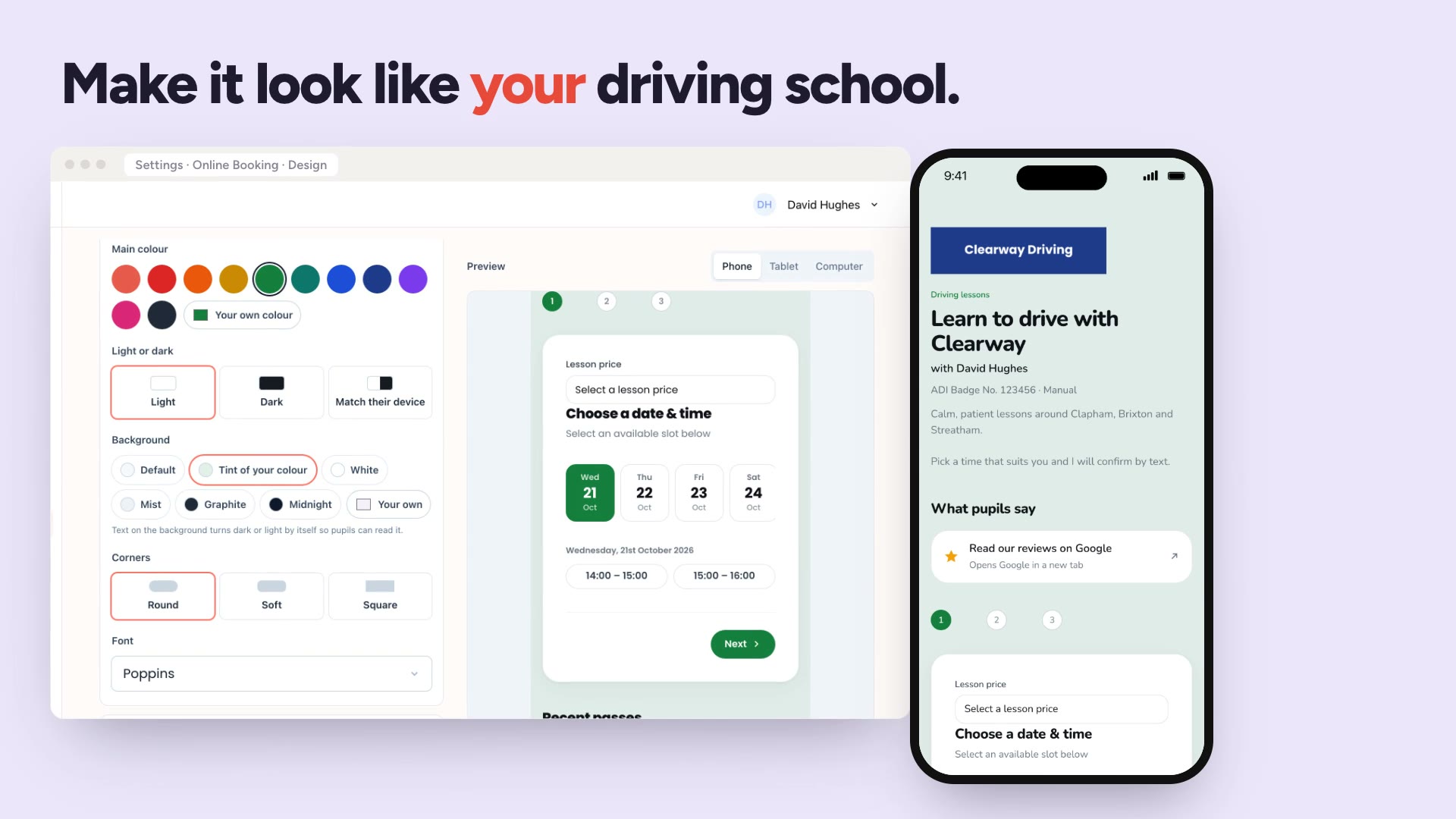
Online booking
A booking page in your own colours that pupils use themselves.
 Watch
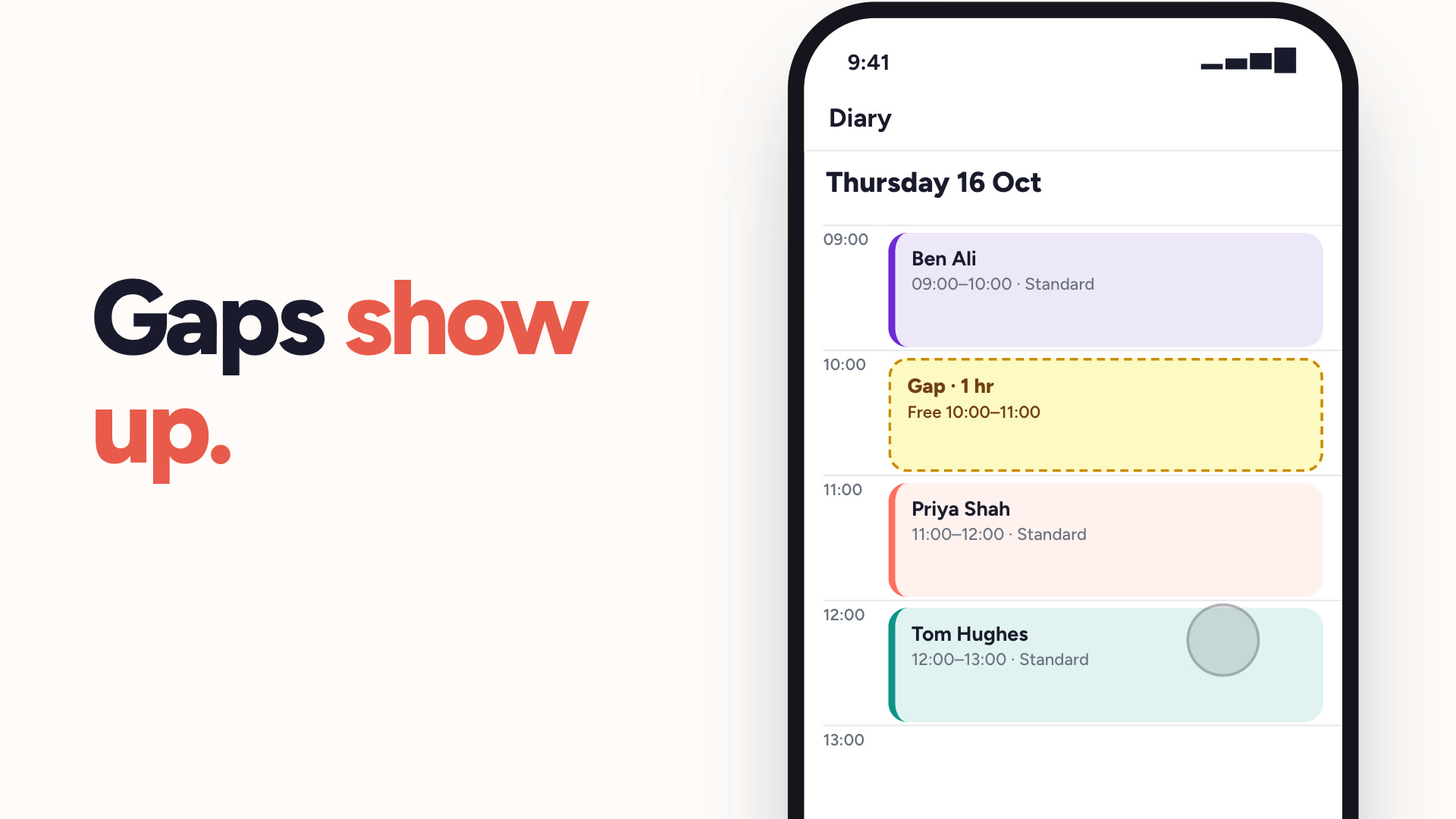
Lesson gaps
Turn any free slot into a lesson. Send it to your pupils and the first to book gets it.
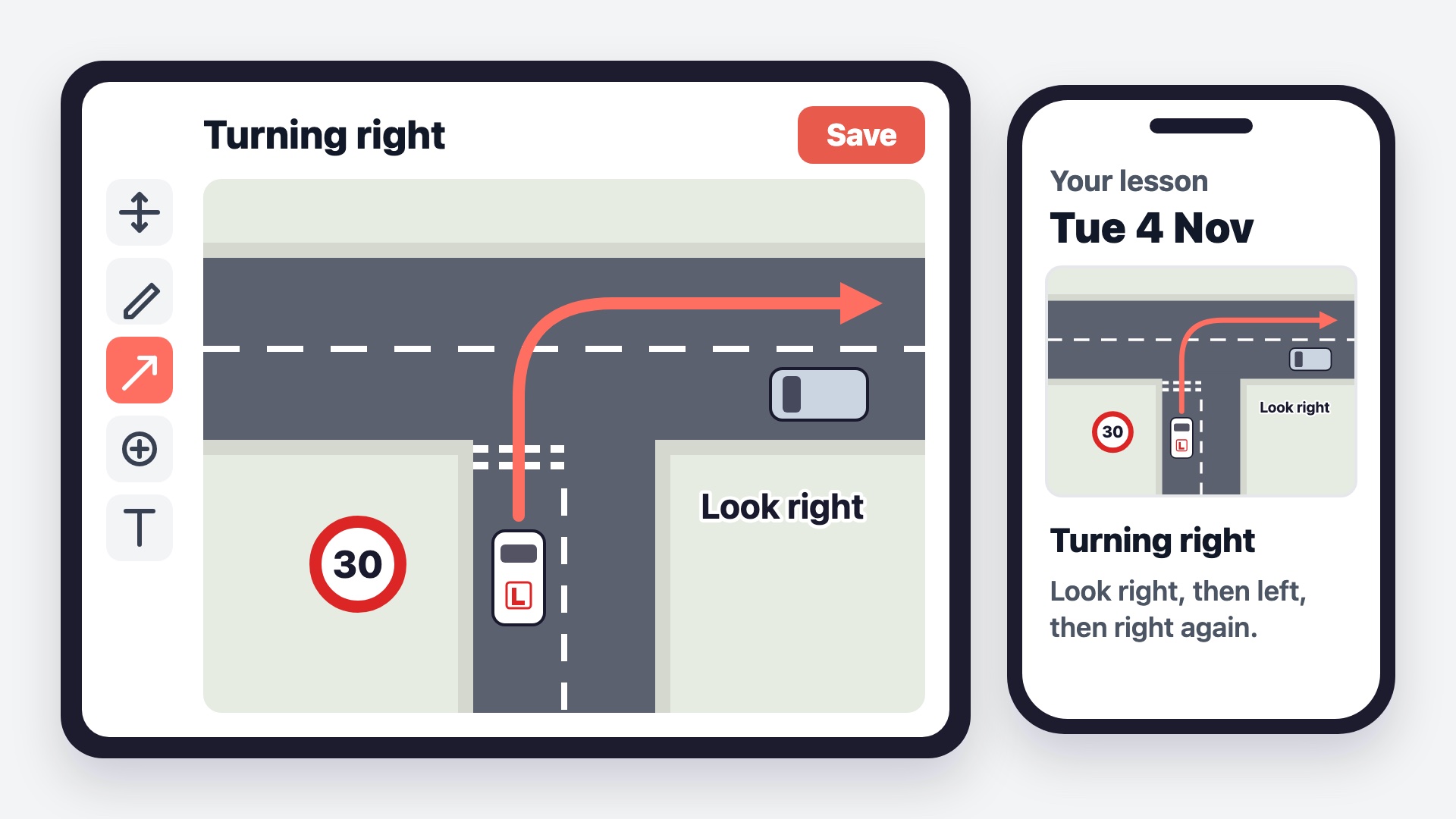 Lesson diagrams
Draw a roundabout or junction on your phone, tablet or computer, and keep it with the lesson.
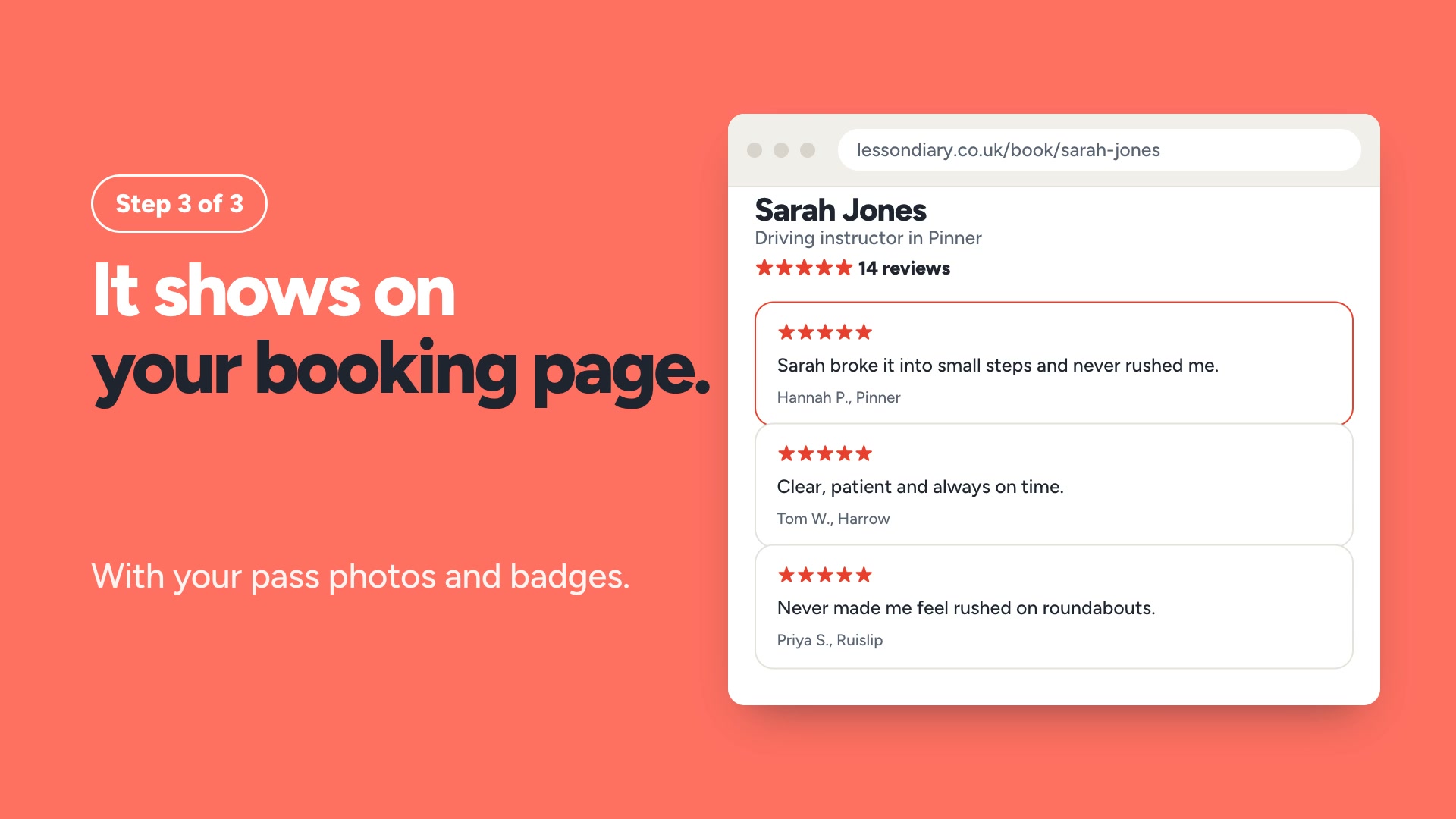 Learner reviews
Learners are asked for a review at an appropriate time. The reviews show on your booking page.
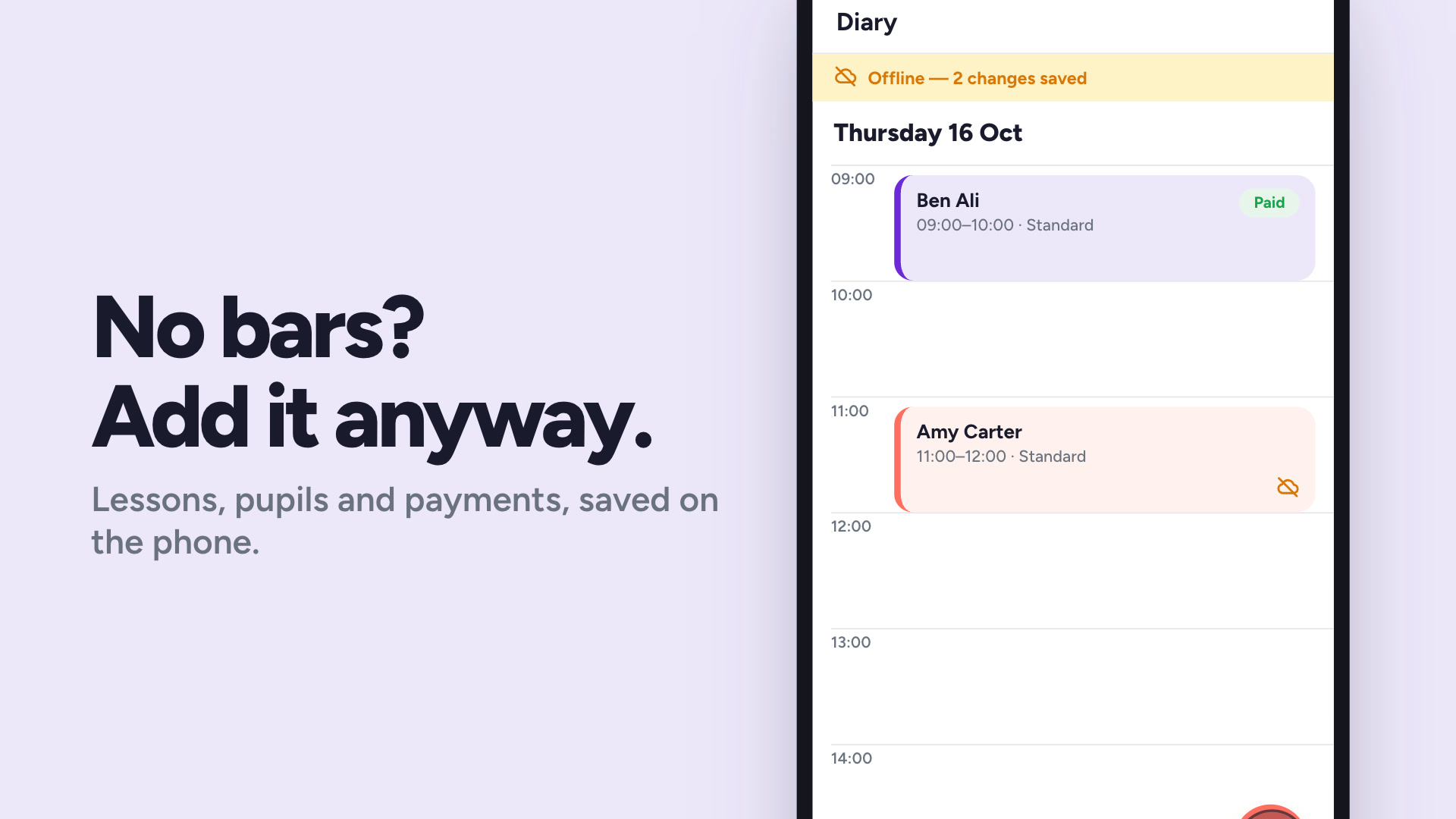 Watch
Offline mode
Teach anywhere. Everything syncs the moment you're back.
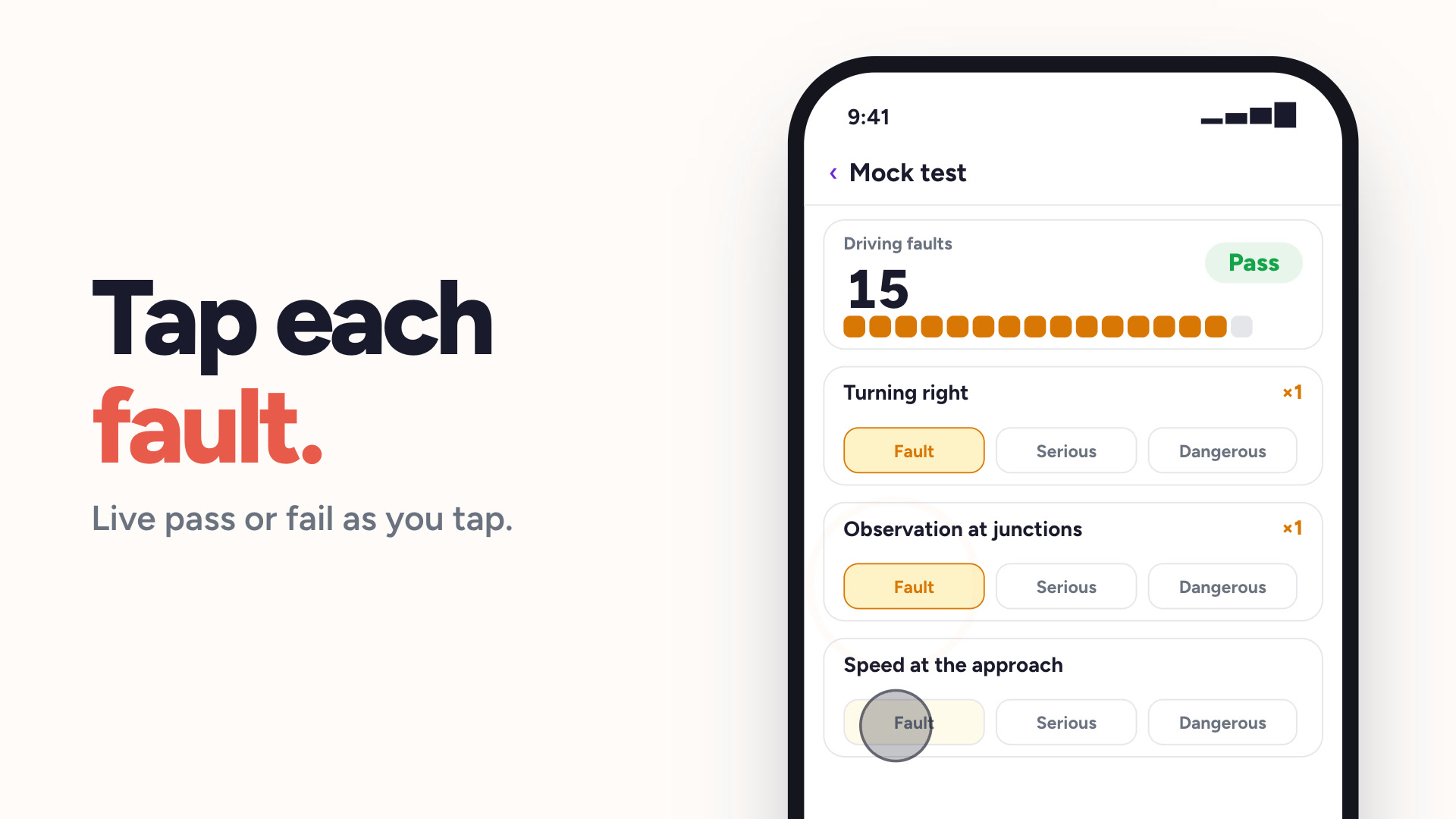 Watch
Mock tests
DL25-style mock tests, marked the way the DVSA marks them.
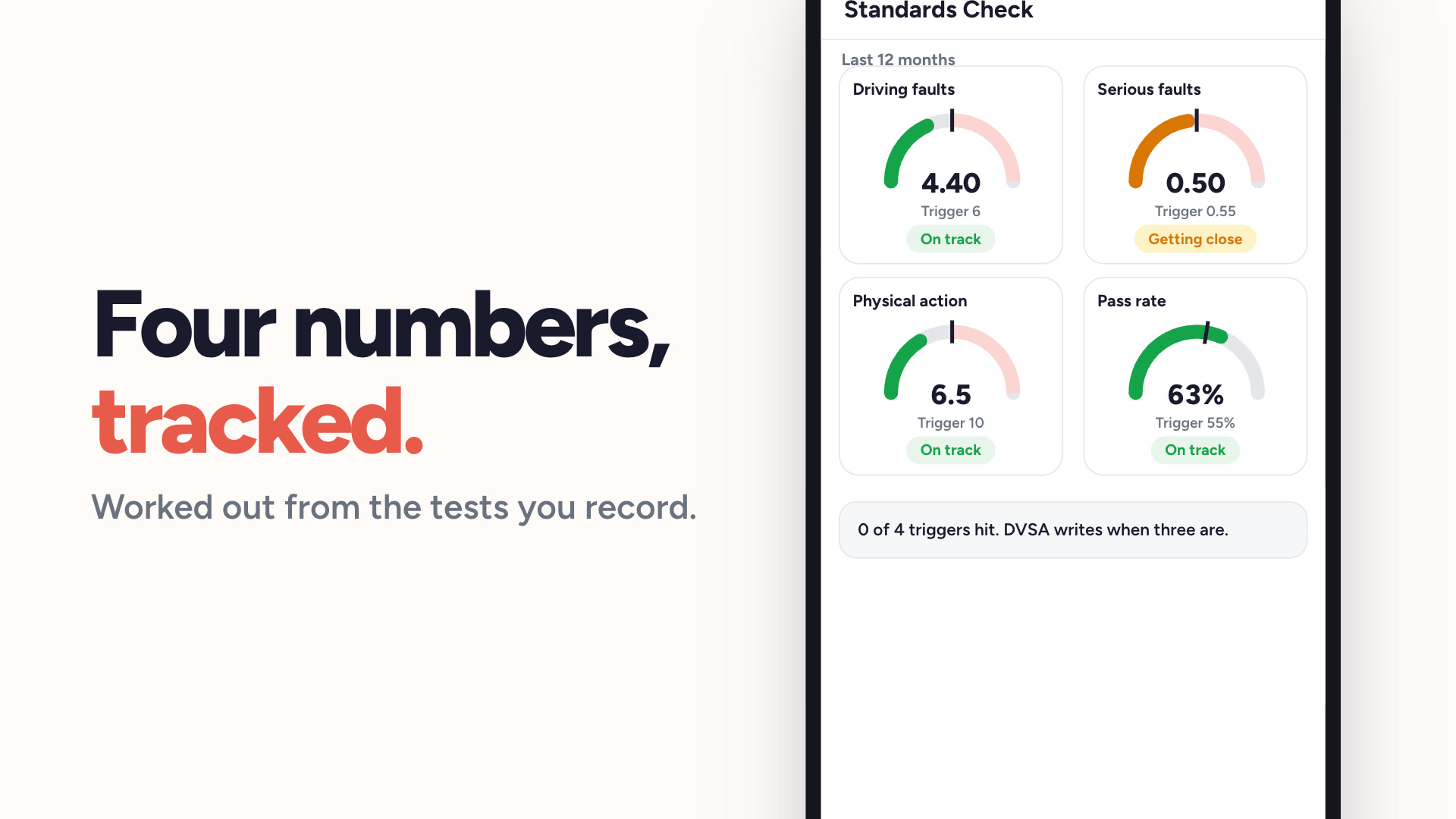 Watch
Standards check tracker
Know where you stand against the four DVSA triggers.
 Watch
Coverage areas
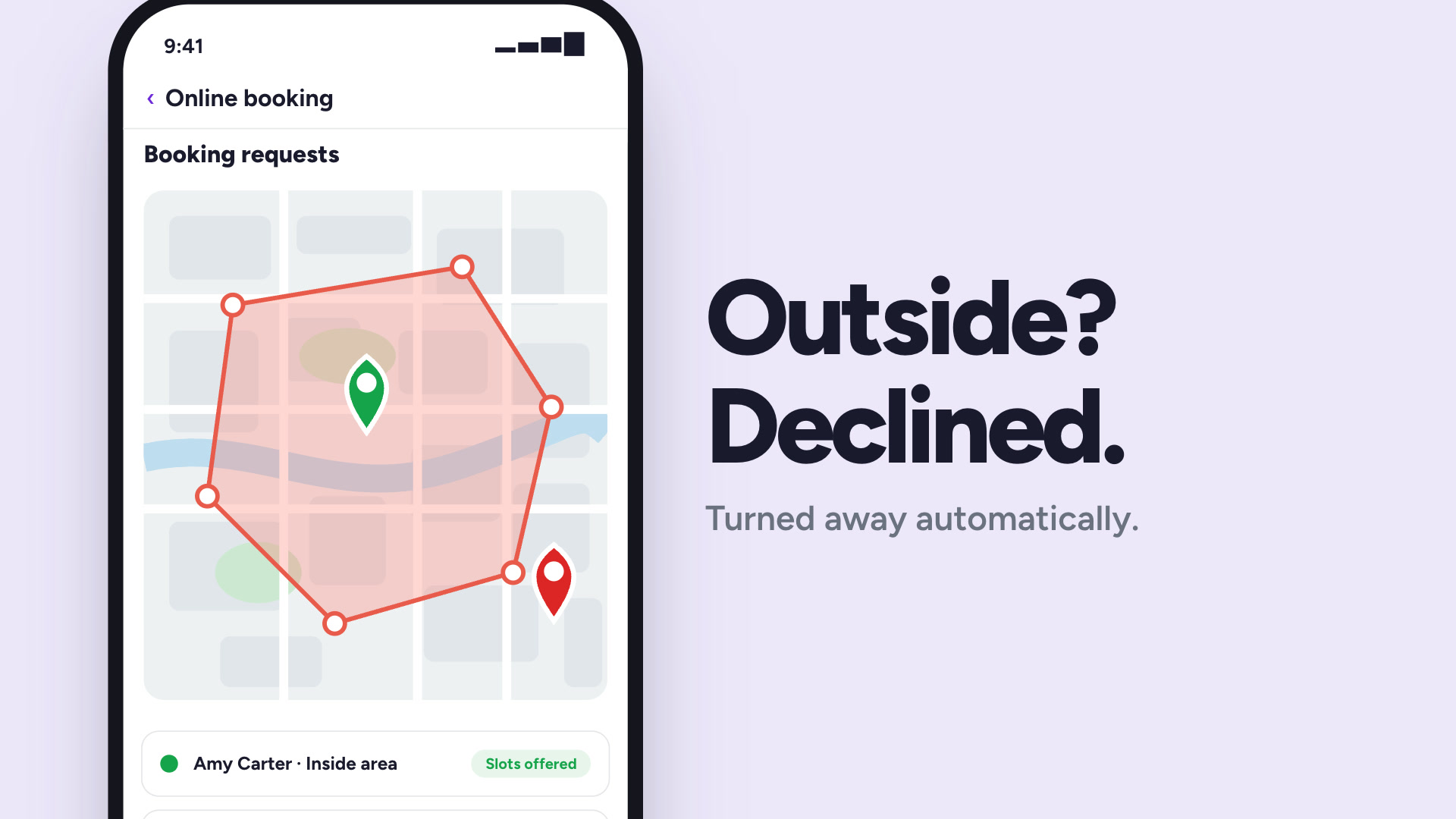
Draw your area on a map. Outside it, pupils cannot book.
Ready to get your evenings back?
Get started free today. No credit card required, subscribe whenever you're ready.