Lesson diagrams
Driving lesson diagrams you draw in the car
Pick a road layout, add the learner car and draw the path. Drop in other road users and official UK road signs, then save it on the lesson. Draw diagrams free. Share them with your pupils in their own portal on a paid plan.
Draw your first lesson diagram today
Create a free account, no card needed, and draw a roundabout or junction for your next lesson.
No credit card required · subscribe whenever you're ready for a 14-day free trial, then £9.99/month · cancel anytime
Part of Driving instructor app and Driving instructor diary and Driving instructor software and Driving instructor booking software and Driving instructor CRM and ADI & PDI diary and Try it free
Explain a roundabout in the car, and let your pupil keep it
Most briefings happen on the back of a lesson sheet or a whiteboard on your knee, and the drawing stays in the car. A lesson diagram is a teaching aid you draw while parked and keep with the lesson, so you can open it again next week. On a paid plan, your pupil can look at it at home before the next drive.
Draw on your phone, tablet or computer
Start from a road layout or a blank page. Draw with your finger, a stylus or a mouse, and add cars, cyclists, pedestrians and road signs.
Saved on the lesson
Each diagram stays with the lesson it was drawn for, linked to the skill you are teaching. Keep a copy of a good one for your next pupil.
Your pupil sees it after the lesson
On a paid plan, the diagram shows in your pupil's portal with your note, so they can look at it again before the next lesson. Hide any diagram you want to keep to yourself.

Try it for your next briefing
Draw it while parked, save it on the lesson, and show it again next week. Free to draw; sharing with pupils is on the paid plan.
Common questions
- Can my pupil see the diagram after the lesson?
- Yes, on a paid plan. The diagram shows on that lesson in your pupil's portal, with your note, and they can open it large. They can look at it but not change it. You can hide any diagram from your pupil.
- Does it work on my phone and on my computer?
- Yes. Draw in a web browser on your computer, tablet or phone, or in the Lesson Diary app for iPhone and Android (Android on request).
- Is it included in the free plan?
- Yes. Draw diagrams free and keep them on your lessons. Share them with your pupils in their own portal on a paid plan.
- Which road signs can I add?
- Official UK road signs, such as speed limits, warning signs and signs giving orders. Drop one onto the diagram, move it into place and turn it to face the right way.
- Can I draw a roundabout diagram or a junction diagram?
- Yes. Start from a ready road layout for junctions, roundabouts, crossings and manoeuvres, or from a blank page. Then add the learner car, other road users, arrows, text and road signs, and use it as a visual aid in your briefing or debrief.
- Can I use the same diagram with another pupil?
- Yes. Keep a copy in My diagrams and add it to any lesson. The original stays on the lesson it was drawn for.
More of Lesson Diary
Watch a short demo of each feature, or see all features.
 Watch
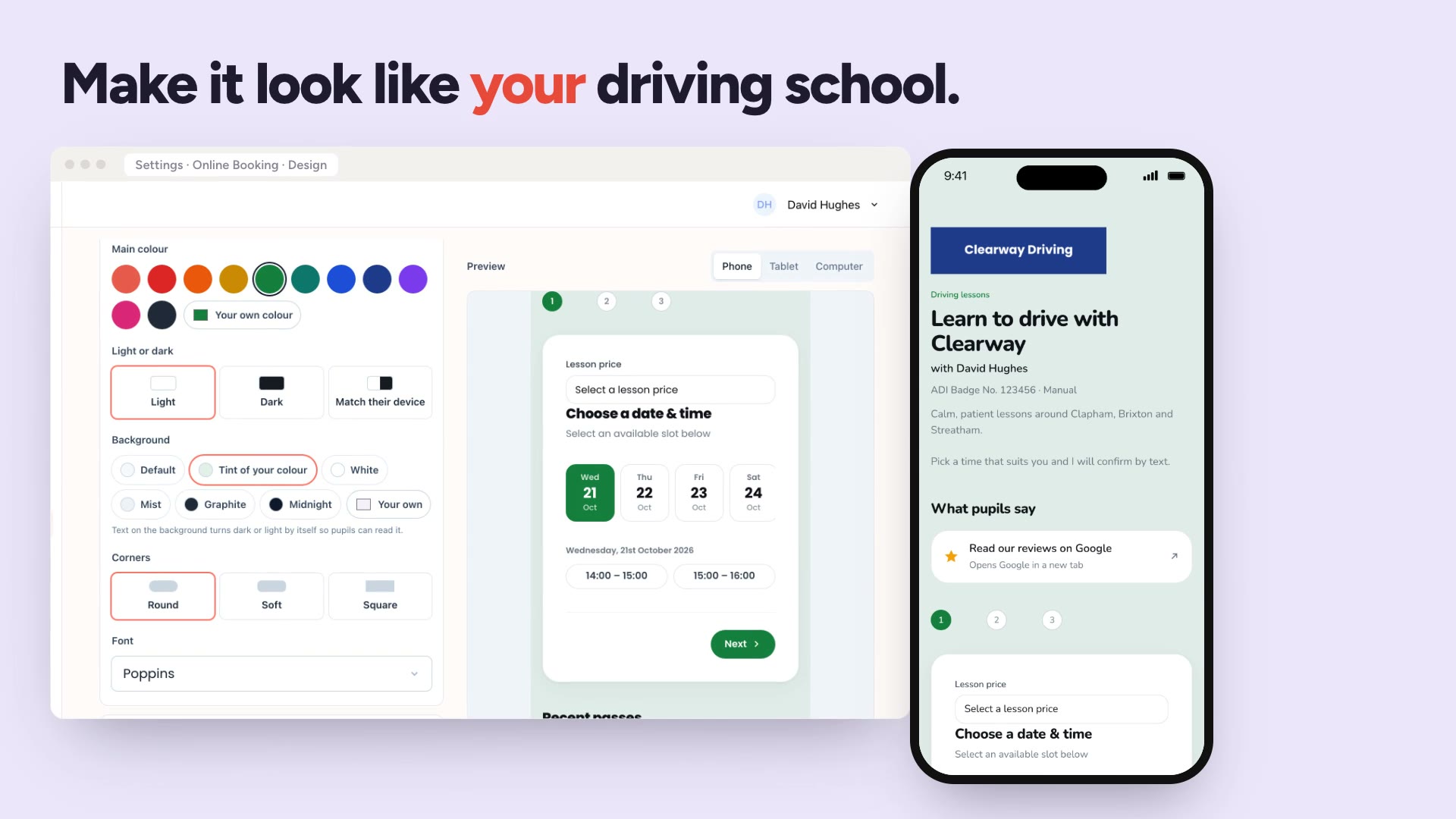
Online booking
A booking page in your own colours that pupils use themselves.
Watch
Online booking
A booking page in your own colours that pupils use themselves.
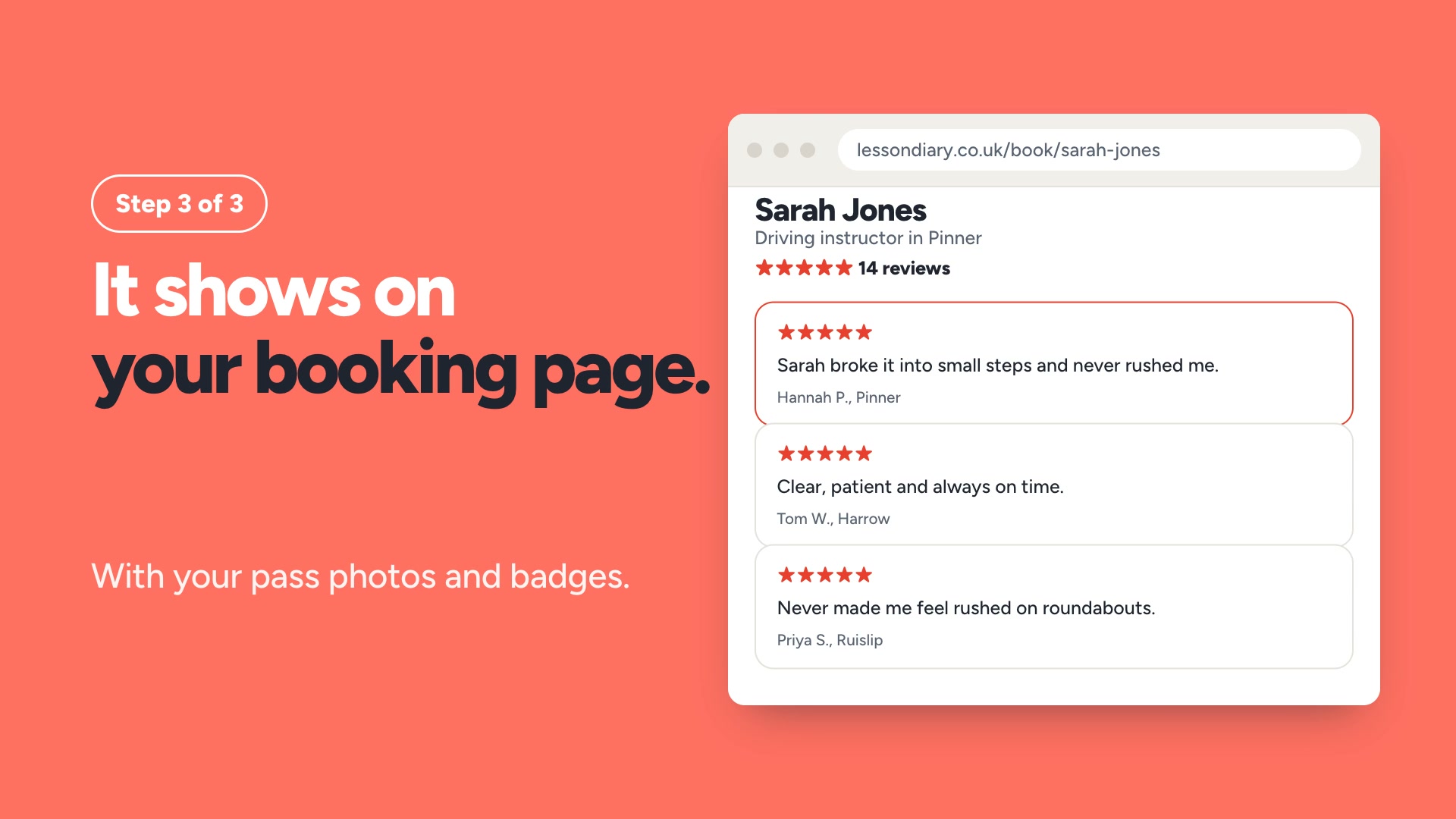 Learner reviews
Learners are asked for a review at an appropriate time. The reviews show on your booking page.
Learner reviews
Learners are asked for a review at an appropriate time. The reviews show on your booking page.
 Watch
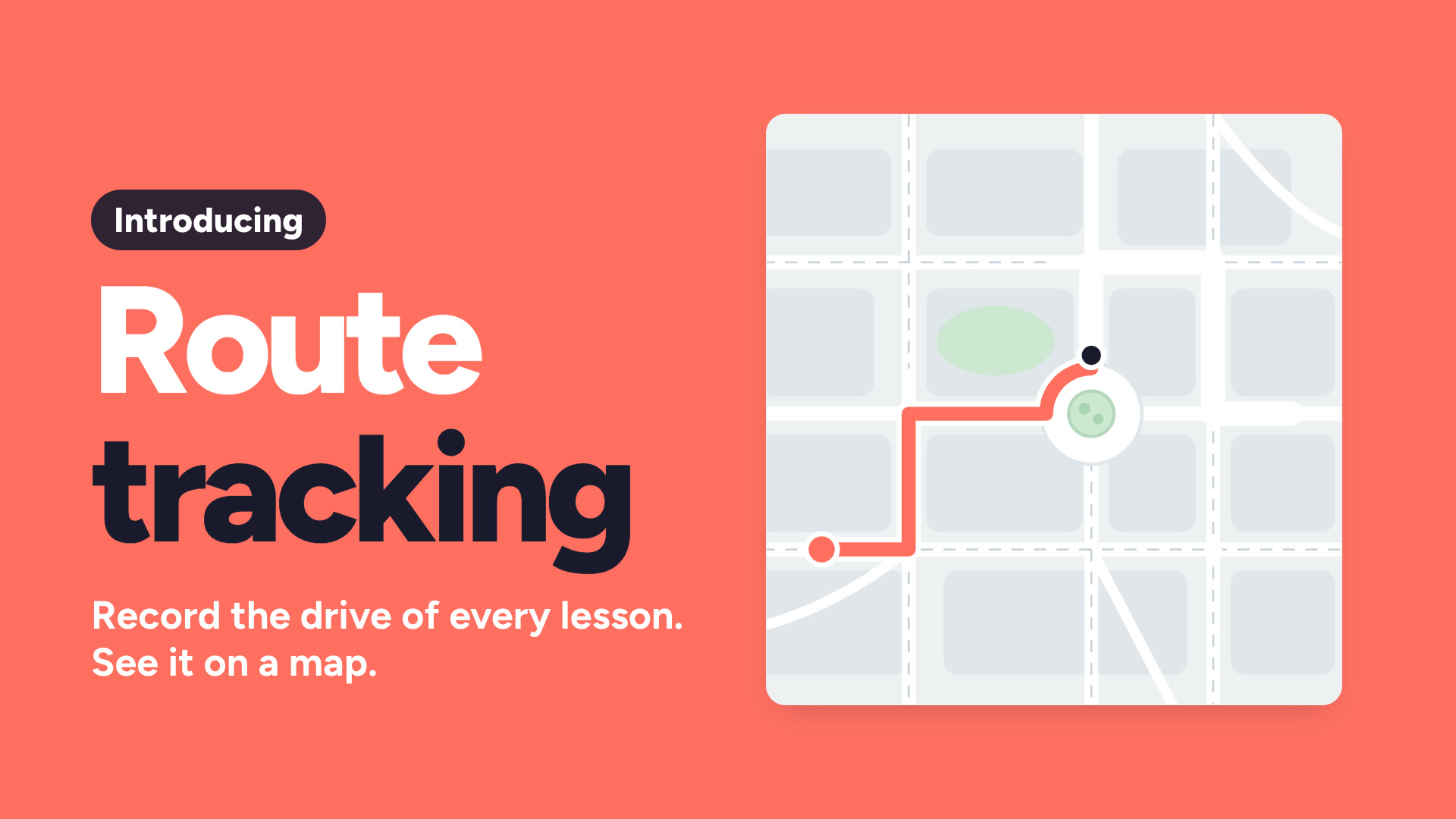
Route tracking
Record the drive for each lesson and show the pupil the map.
Watch
Route tracking
Record the drive for each lesson and show the pupil the map.
 Watch
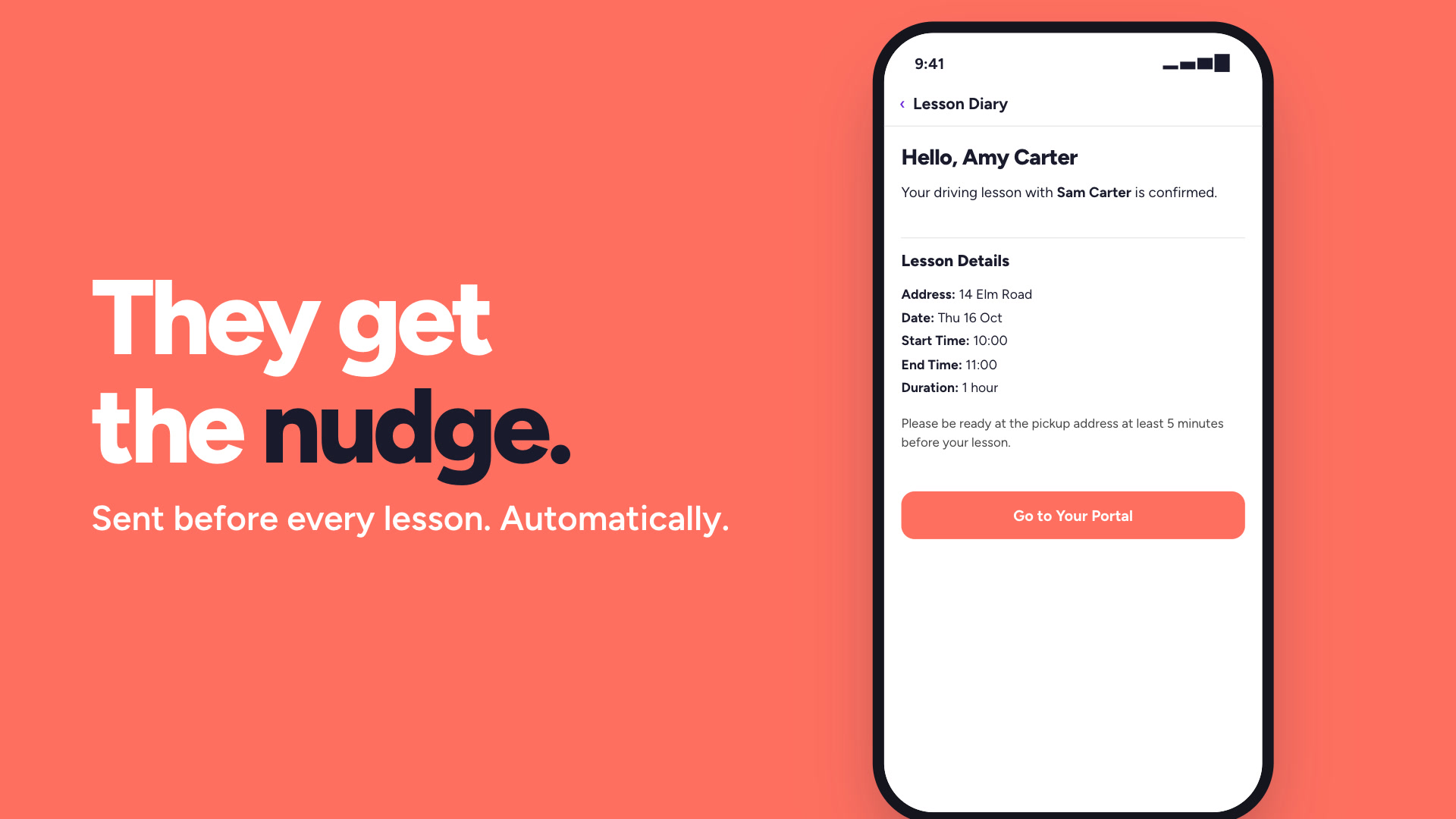
Lesson reminders
Automatic reminders before every lesson, so fewer pupils forget.
Watch
Lesson reminders
Automatic reminders before every lesson, so fewer pupils forget.
 Watch
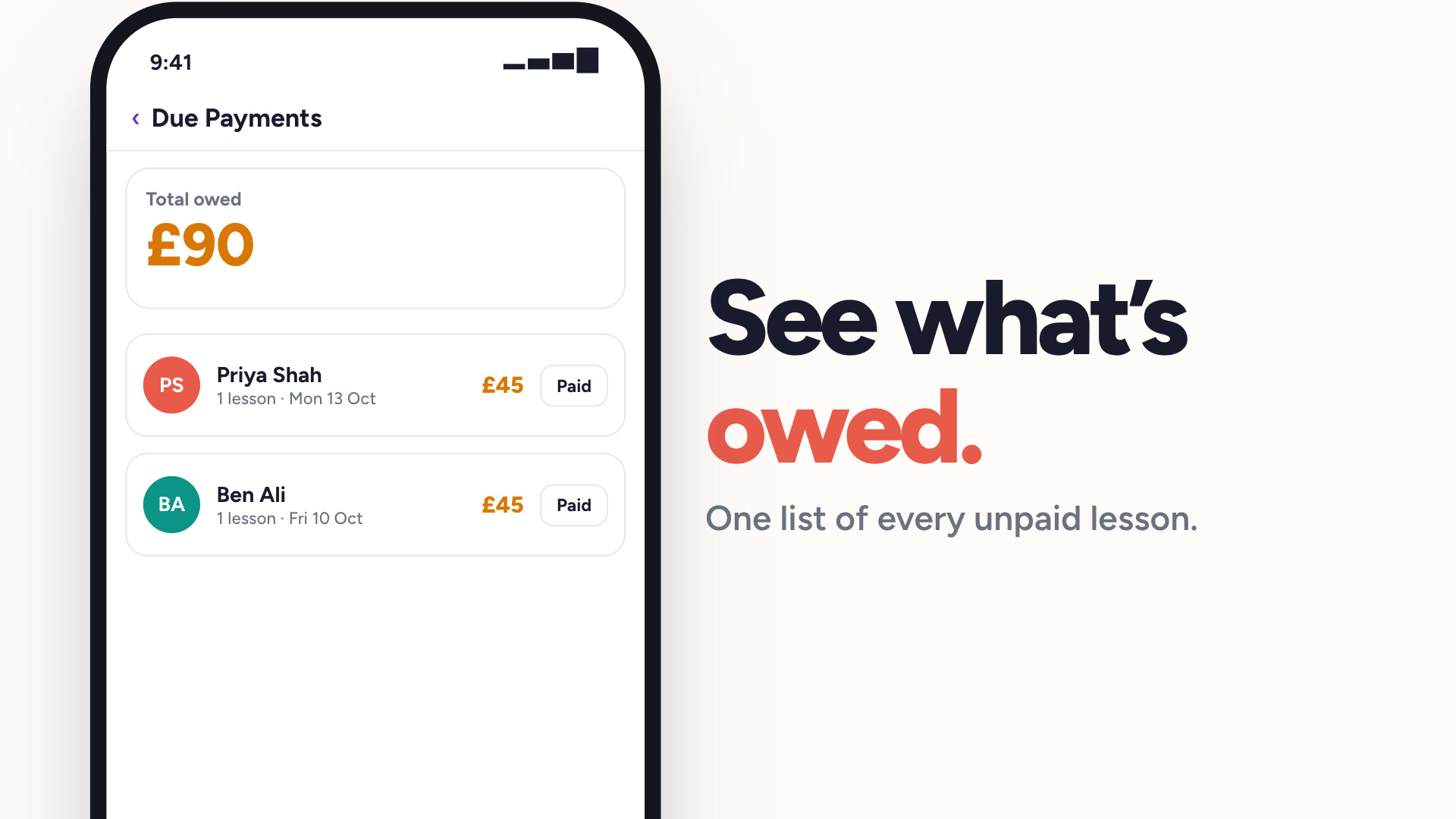
Payment tracking
See who has paid and who owes you, without a spreadsheet.
Watch
Payment tracking
See who has paid and who owes you, without a spreadsheet.
 Watch
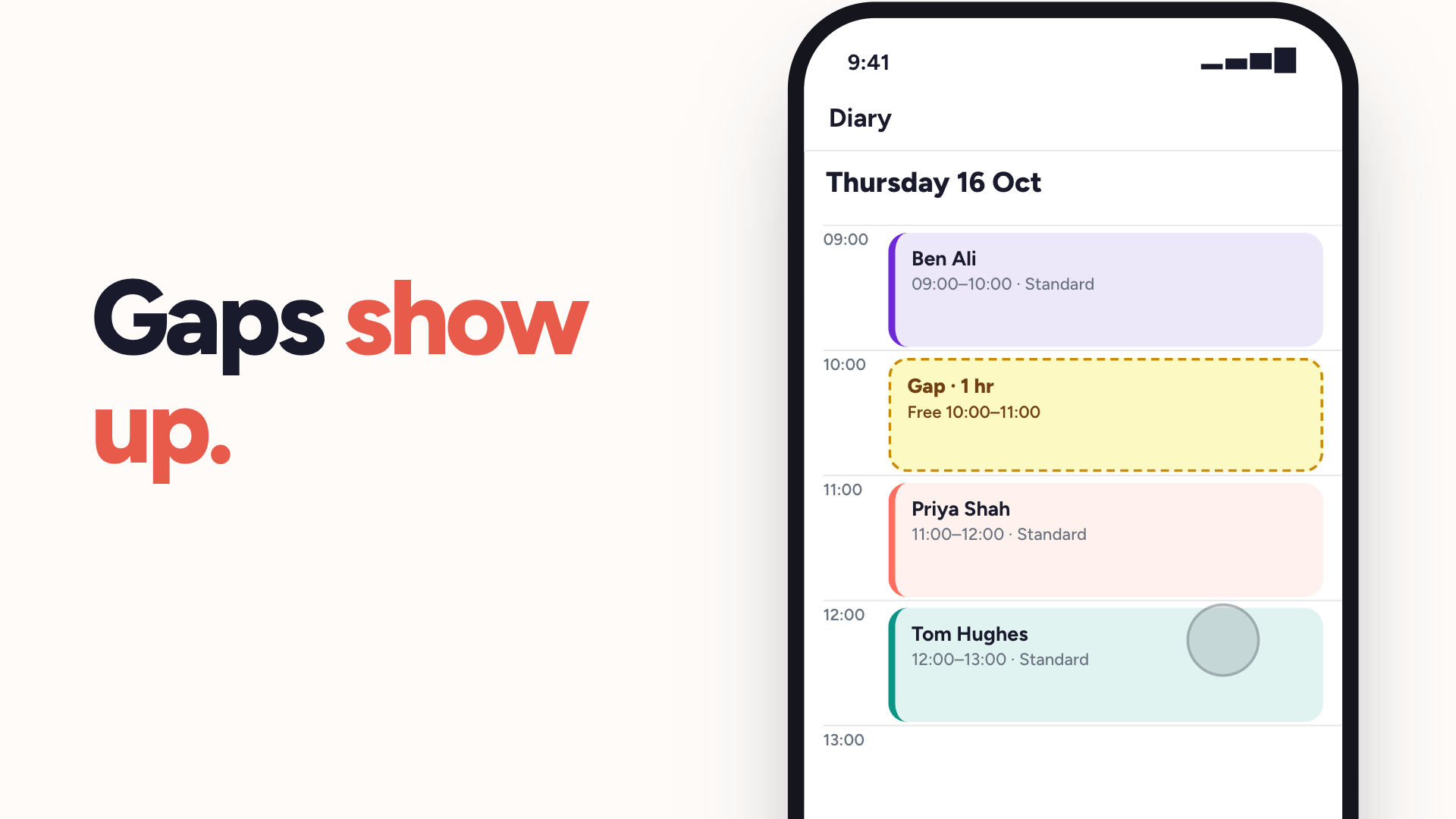
Lesson gaps
Turn any free slot into a lesson. Send it to your pupils and the first to book gets it.
Watch
Lesson gaps
Turn any free slot into a lesson. Send it to your pupils and the first to book gets it.
 Watch
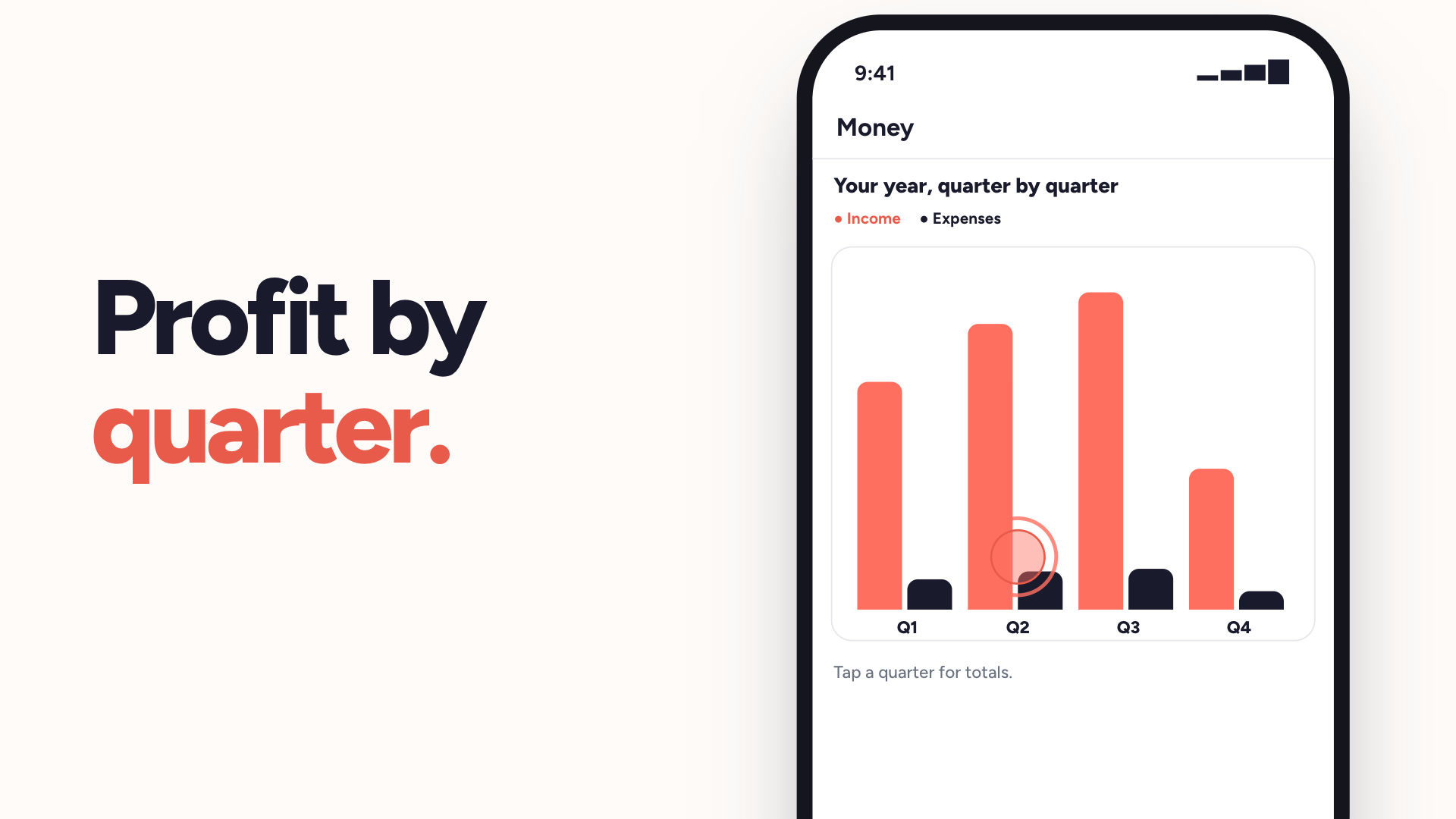
Money & tax
Income, expenses and profit — sorted for Making Tax Digital.
Watch
Money & tax
Income, expenses and profit — sorted for Making Tax Digital.
 Watch
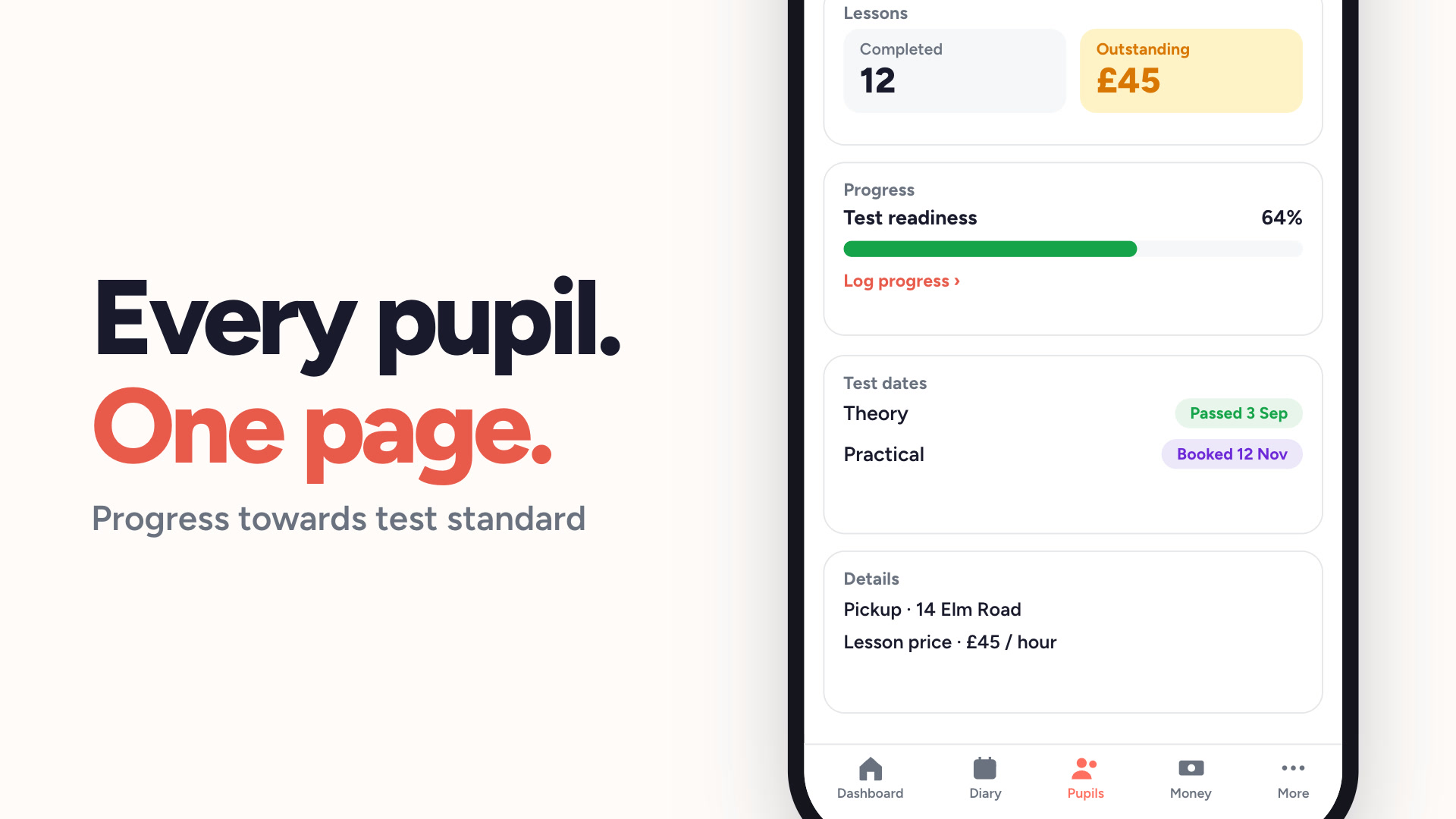
Pupil management
Every pupil, their lesson history and what they owe, in one list.
Watch
Pupil management
Every pupil, their lesson history and what they owe, in one list.
 Watch
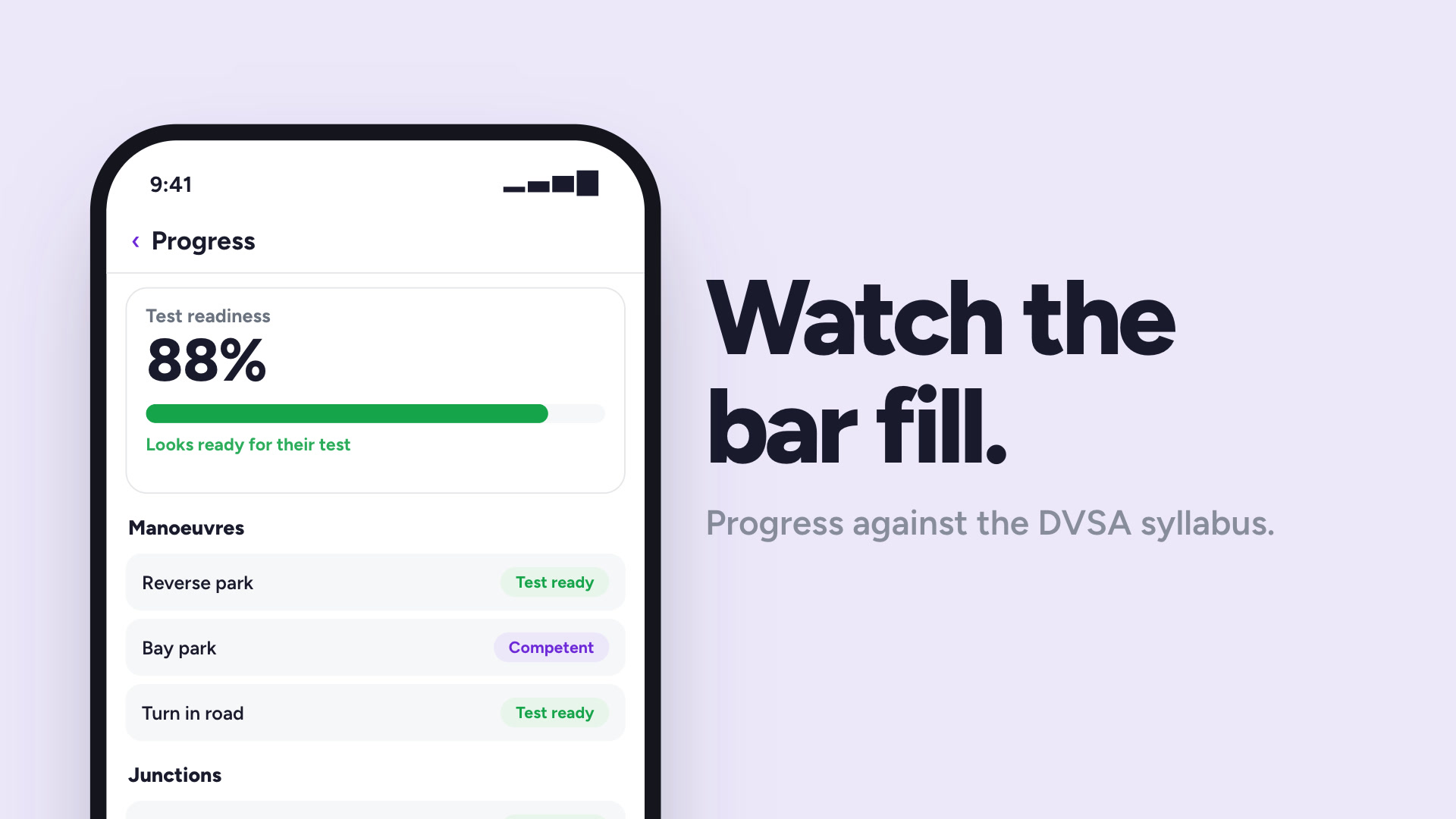
Pupil progress tracking
Track each pupil against the DVSA syllabus, lesson by lesson.
Watch
Pupil progress tracking
Track each pupil against the DVSA syllabus, lesson by lesson.
 Watch
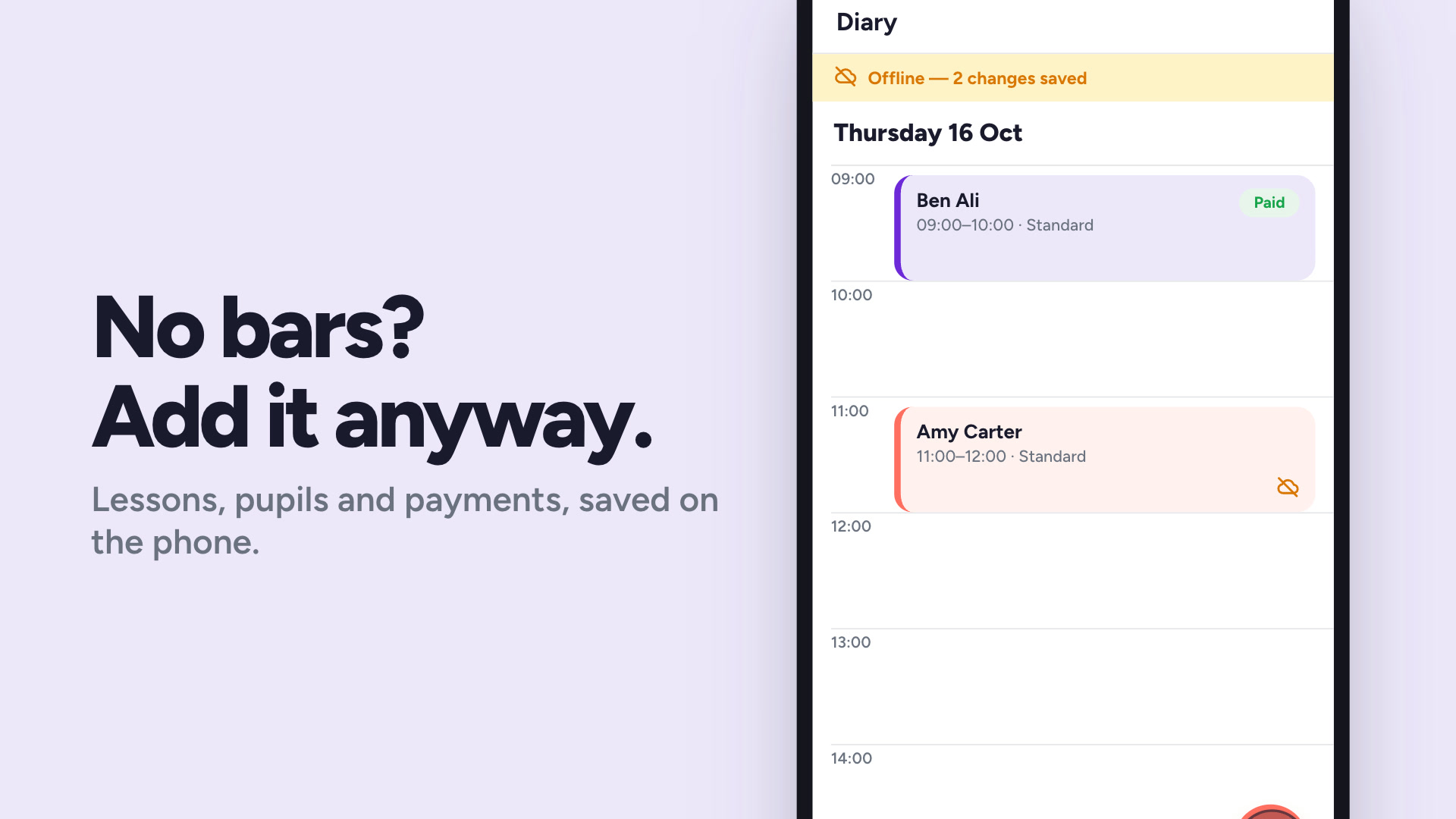
Offline mode
Teach anywhere. Everything syncs the moment you're back.
Watch
Offline mode
Teach anywhere. Everything syncs the moment you're back.
 Watch
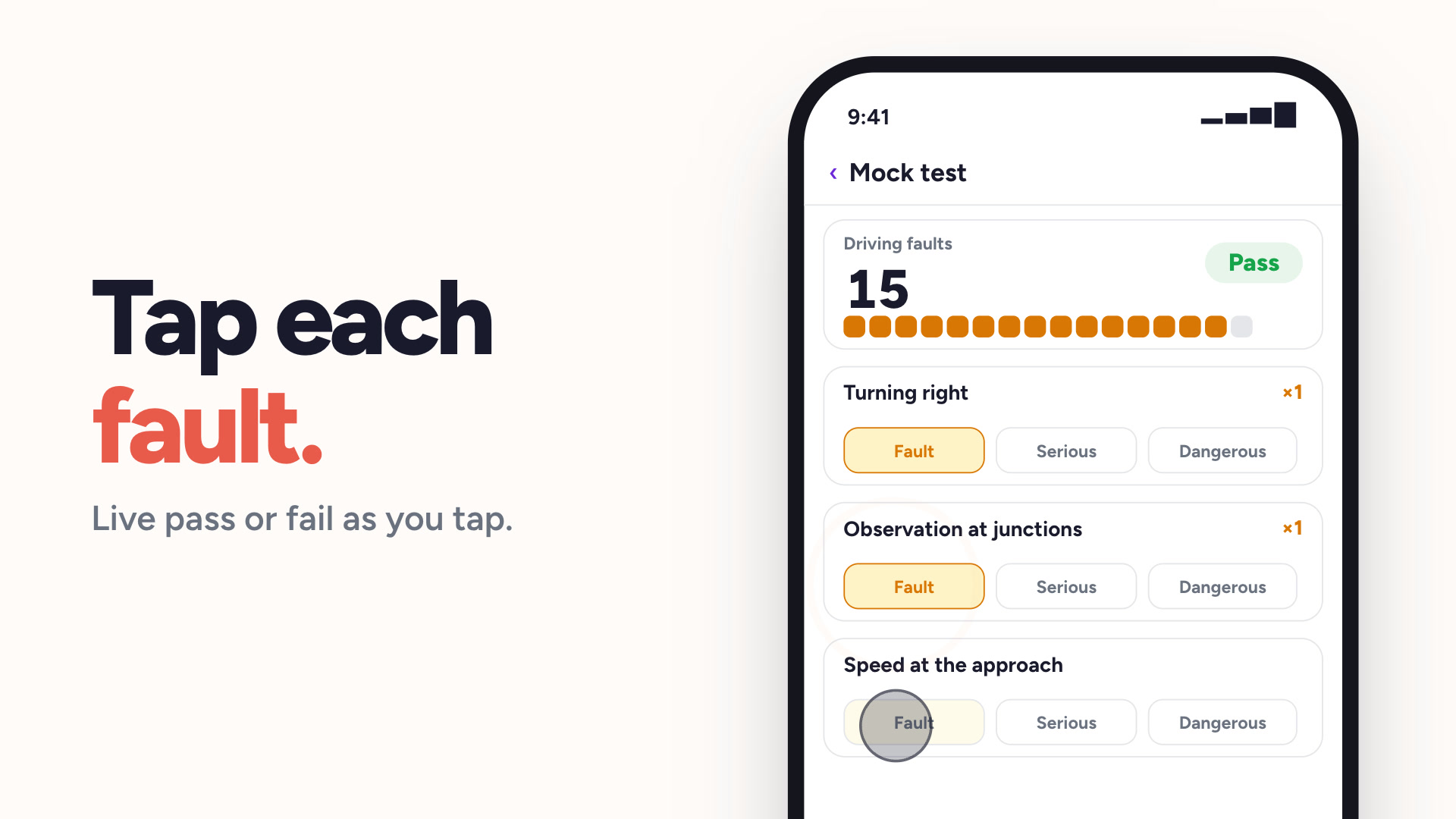
Mock tests
DL25-style mock tests, marked the way the DVSA marks them.
Watch
Mock tests
DL25-style mock tests, marked the way the DVSA marks them.
 Watch
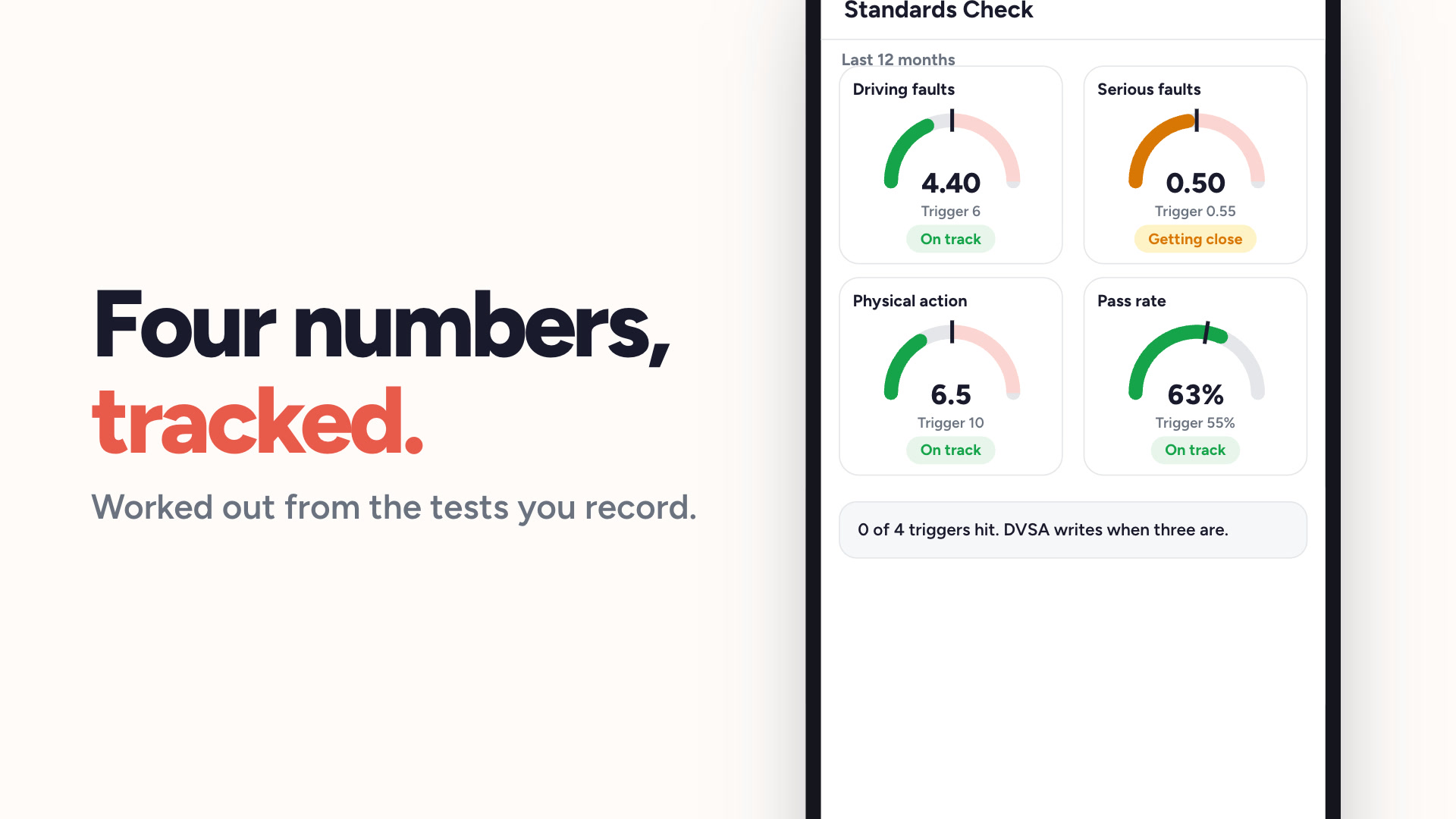
Standards check tracker
Know where you stand against the four DVSA triggers.
Watch
Standards check tracker
Know where you stand against the four DVSA triggers.
 Watch
Coverage areas
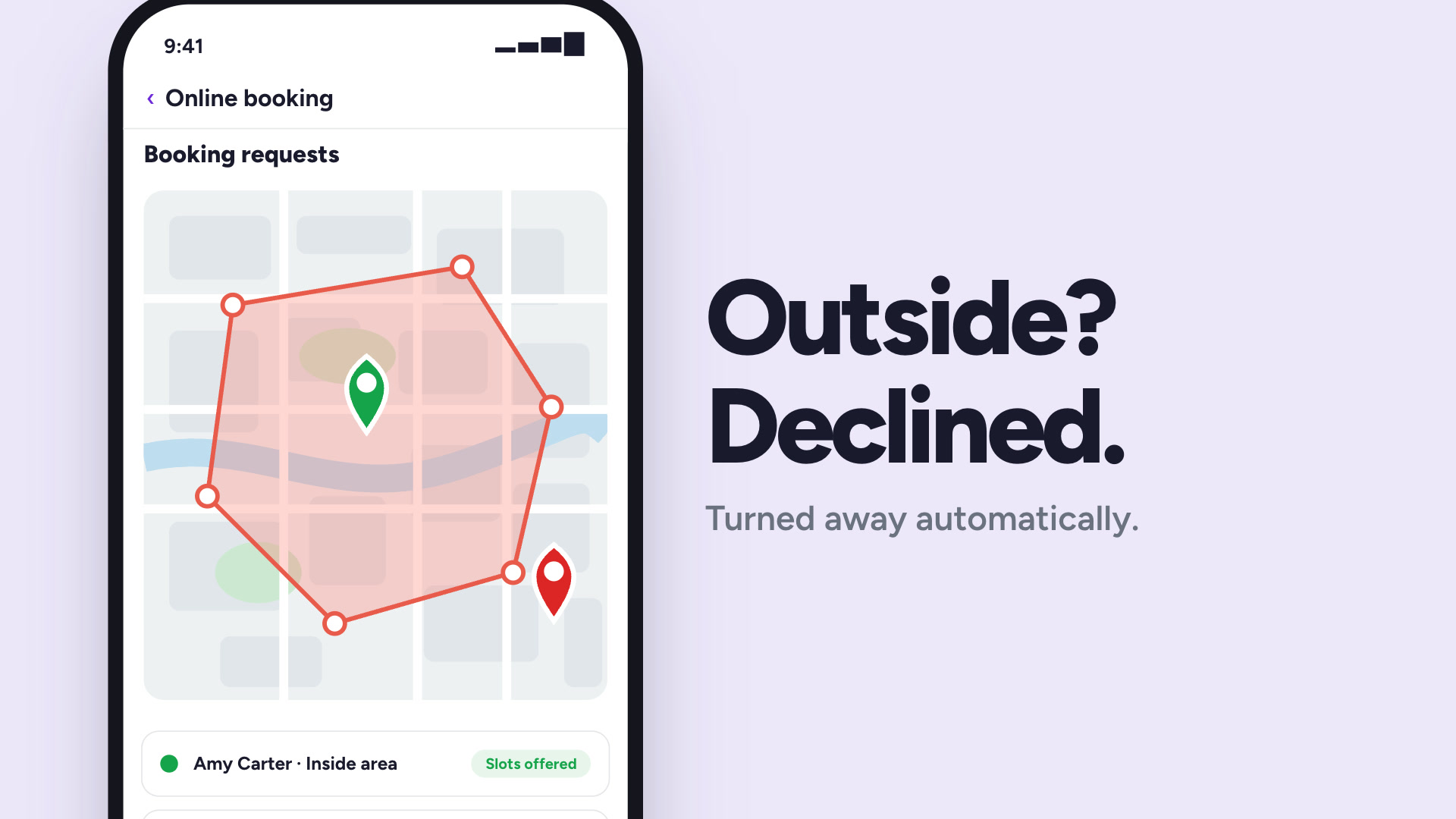
Draw your area on a map. Outside it, pupils cannot book.
Watch
Coverage areas
Draw your area on a map. Outside it, pupils cannot book.
Ready to get your evenings back?
Get started free today — no credit card required, subscribe whenever you're ready.